For freelancers
Free, with a Freelancer account.This is the freelancer’s side of Stage.OS. You can answer a job with one tap and see the bookings from every organisation you work for in one place.
Freelancer sign-ups are opening soon but until then, anyone who is sent a job can answer it from the link without an account.
The screenshots on this page come from the real app and its job pages, filled with made-up jobs and people.
Phone or laptop
The same account on any screen, in the browser at app.stageos.uk. On a phone, Home, My Work, Rosters, Tools and Profile are along the bottom.
Every part has its own short film, with the steps written out, in the guides for freelancers.
Answering a job
You don’t need an account to answer a job. The organisation sends you a link, and you open it and say yes or no.
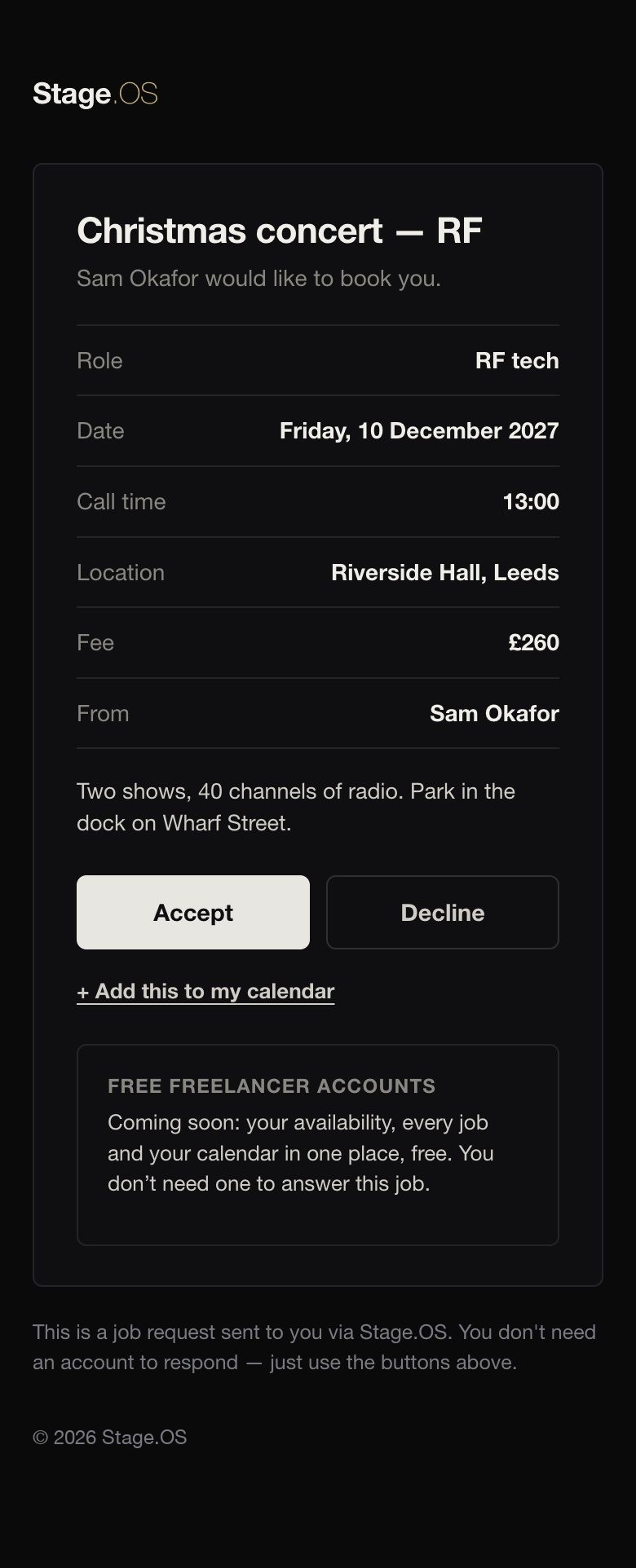
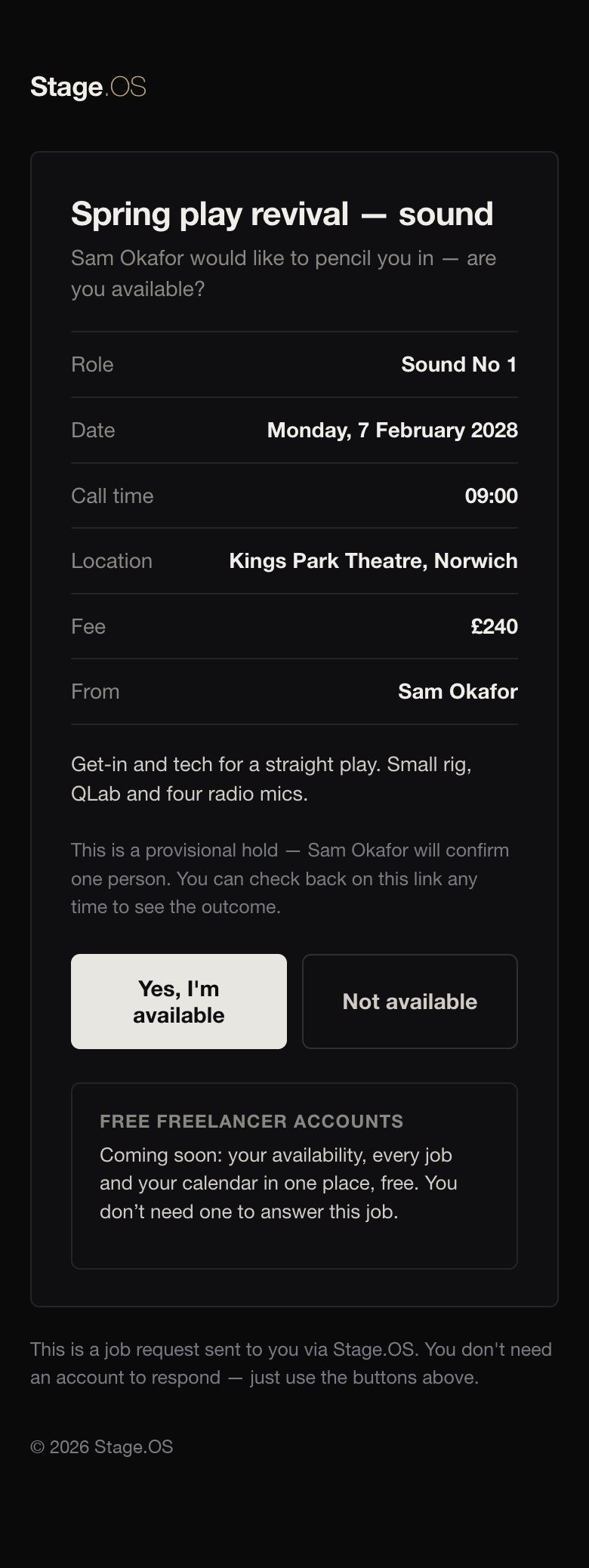
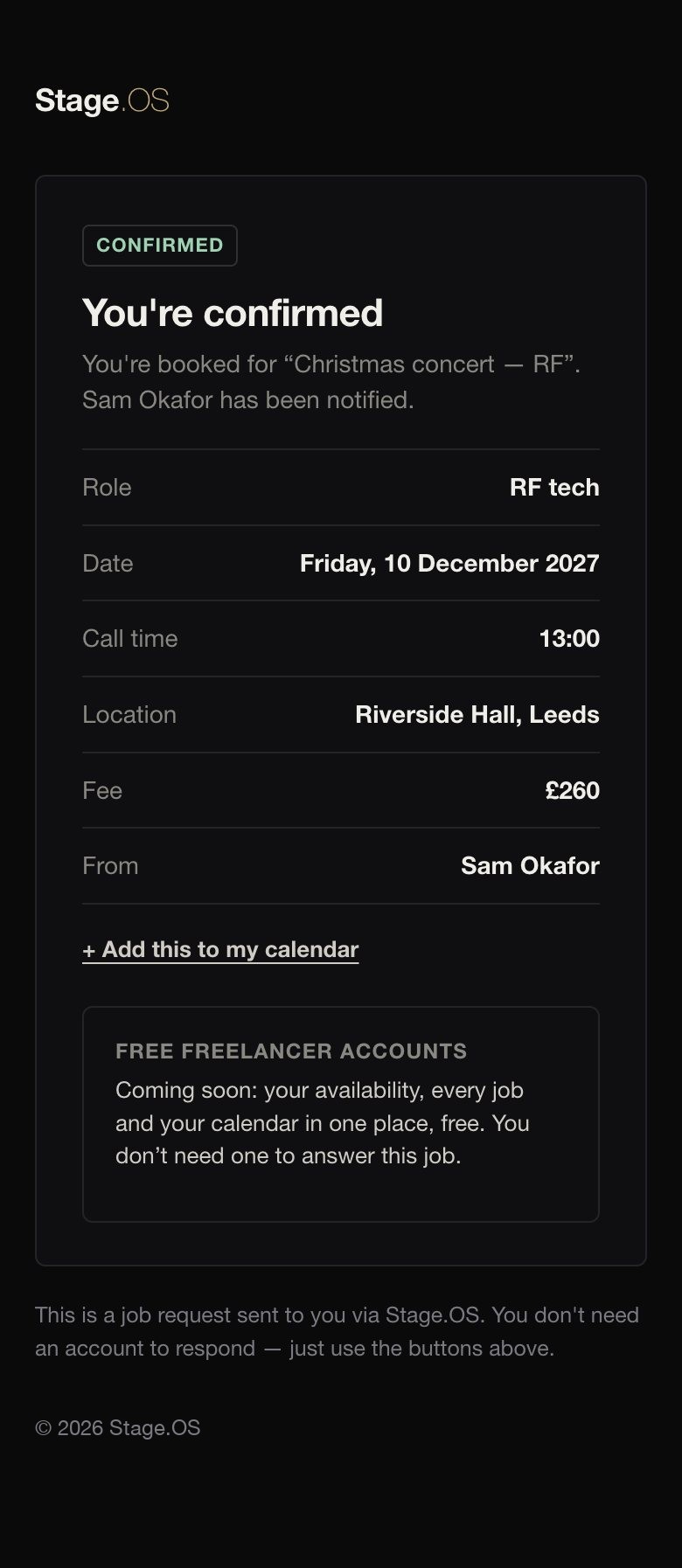
Stage.OS doesn’t email you about the job, but the link always shows where things stand.
How-tos: Answer a job from its link.
Home
What’s waiting for your answer, what’s coming up, and open work on the Job Board.
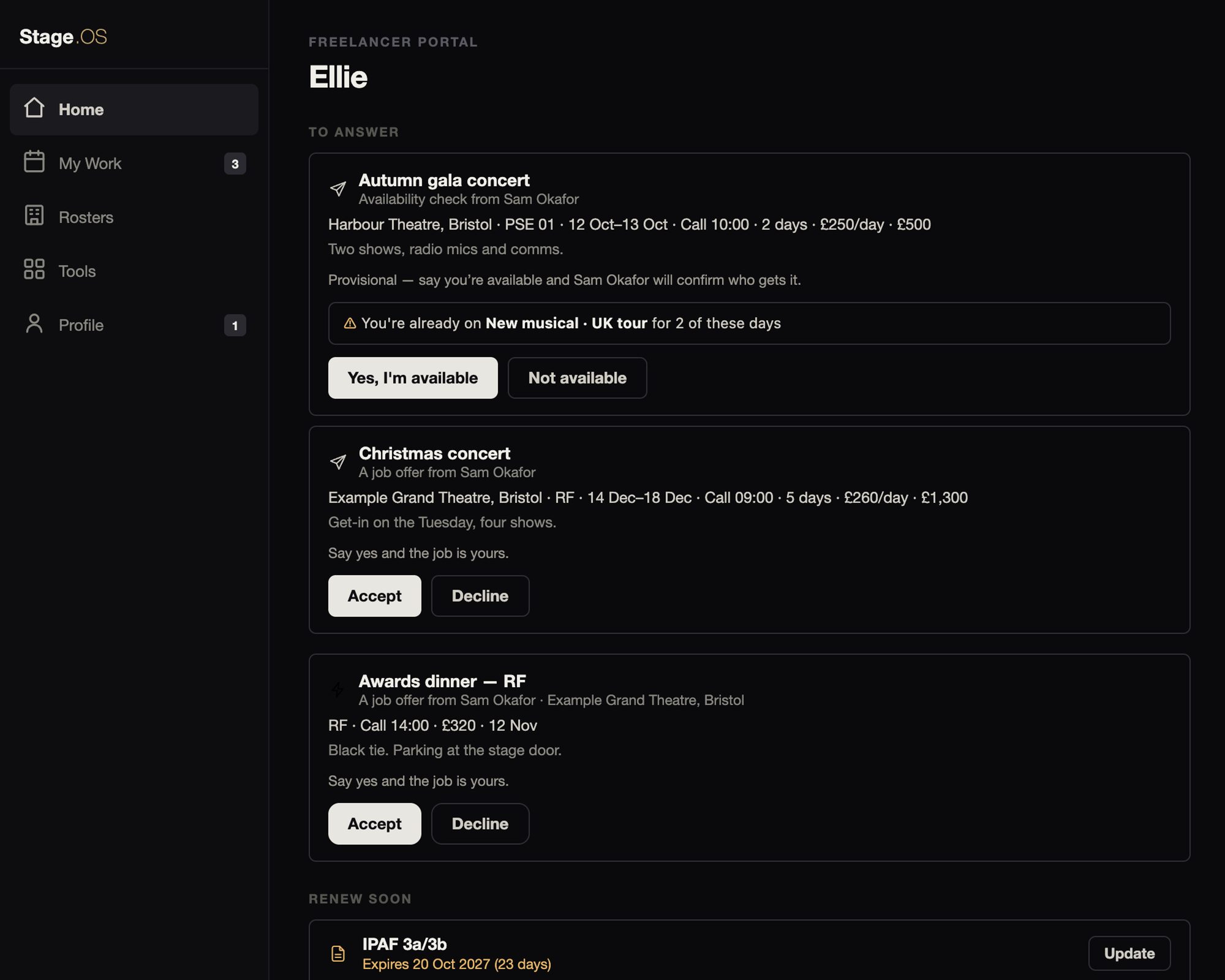
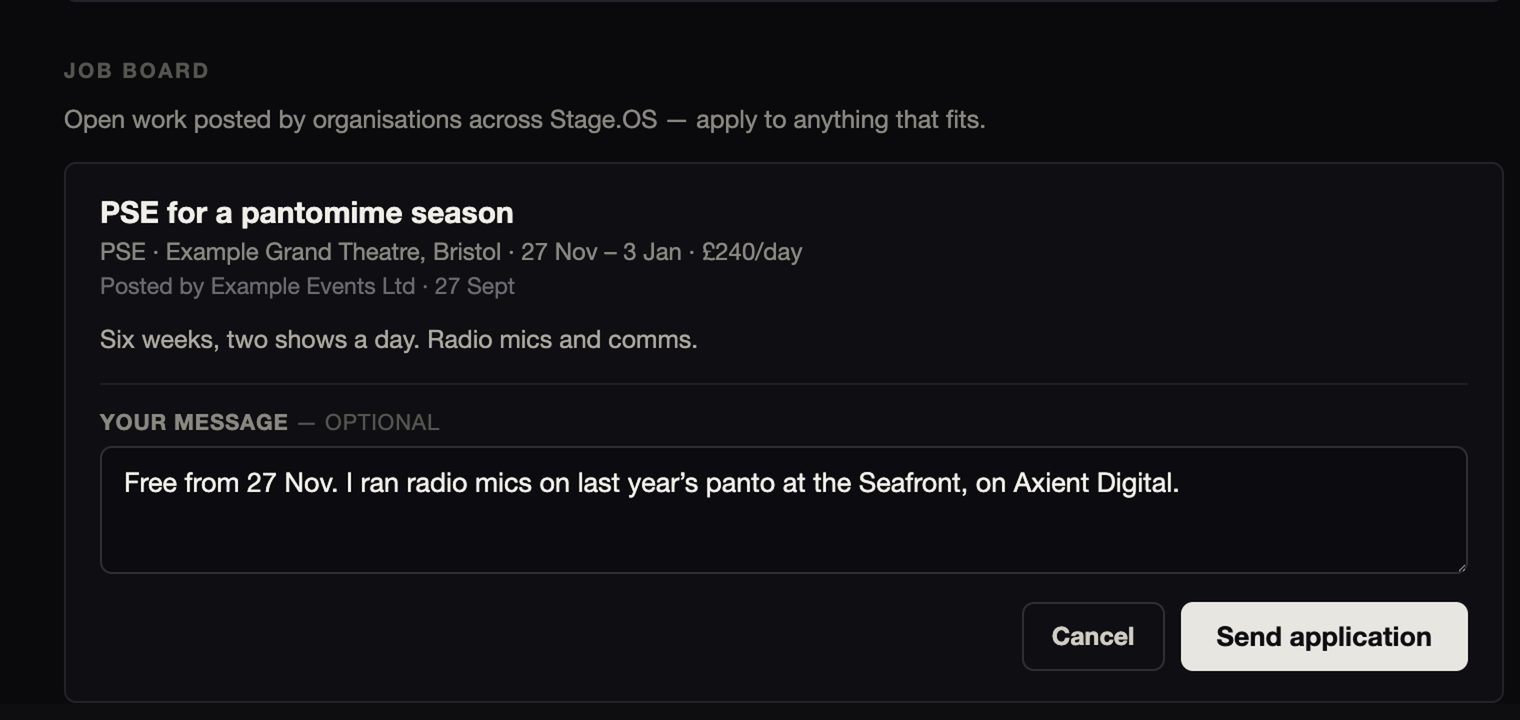
Offers and availability checks from every organisation you work for come to you rather than to the organisation, and you answer them in your own account. The Job Board is open work posted by organisations across Stage.OS.
How-tos: Answer requests in the app and Apply on the Job Board.
My Work
Your bookings from all the organisations you work for, by production and on a calendar, with a live call sheet for each job, and your requests and availability alongside.
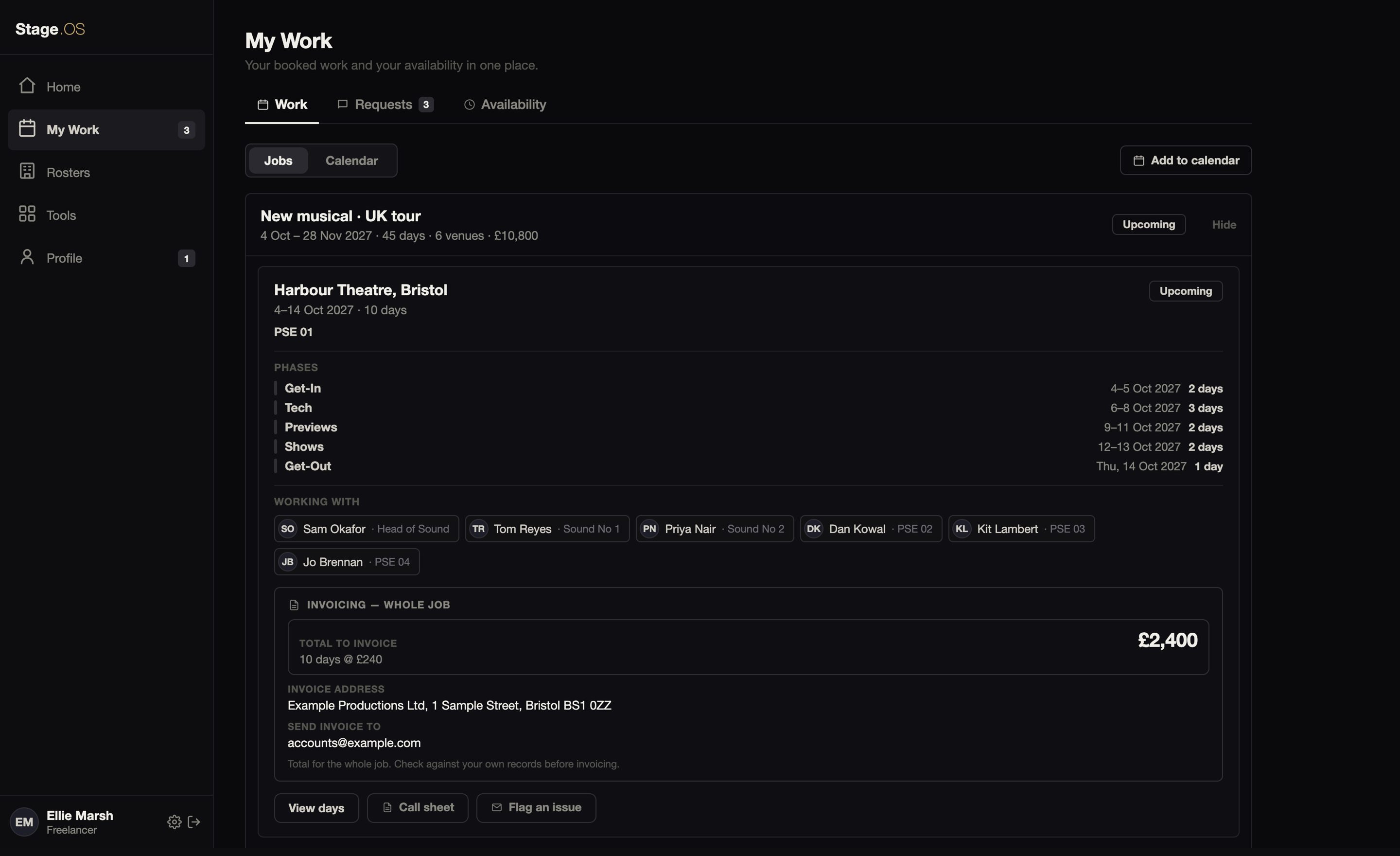
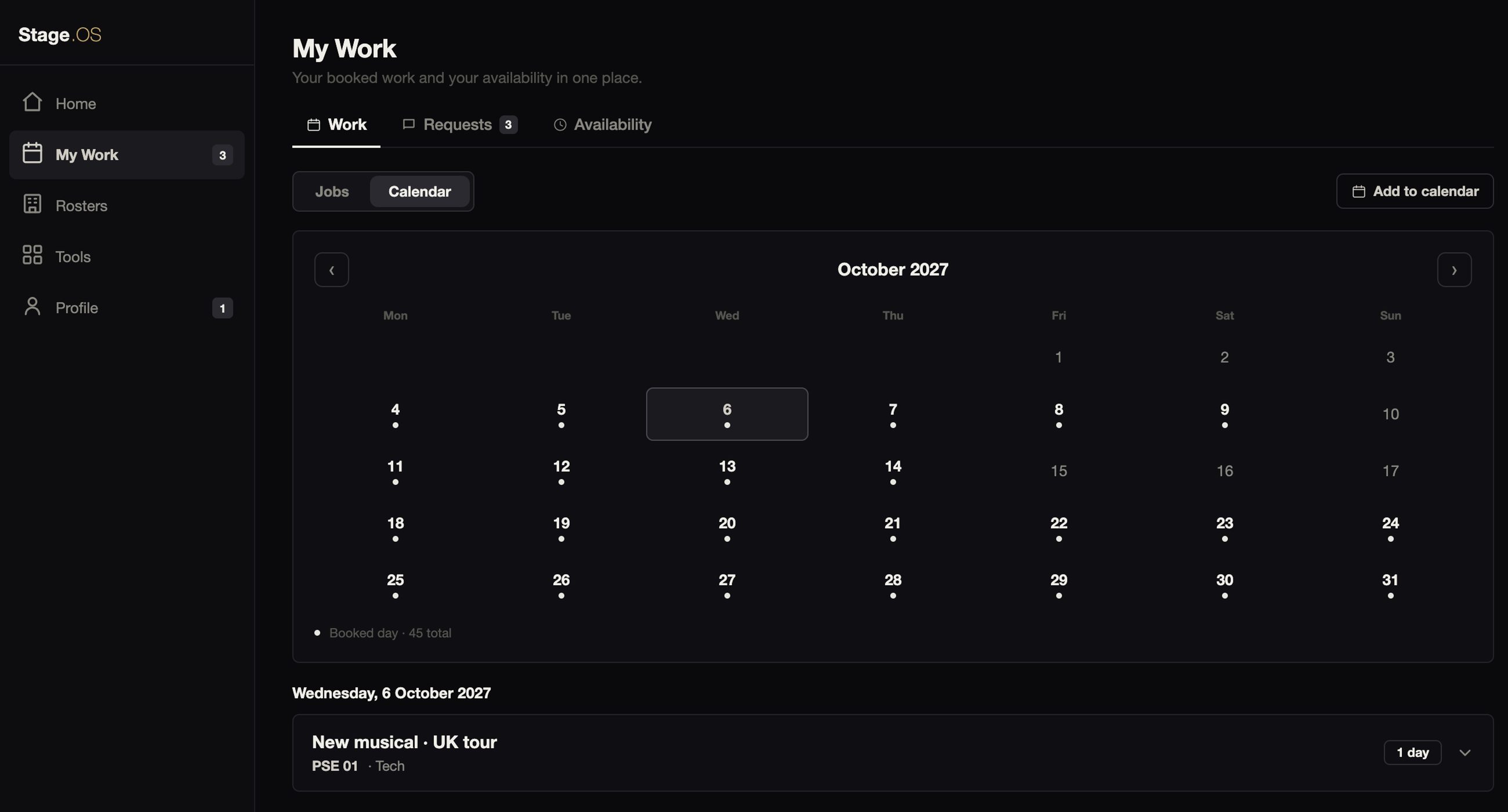
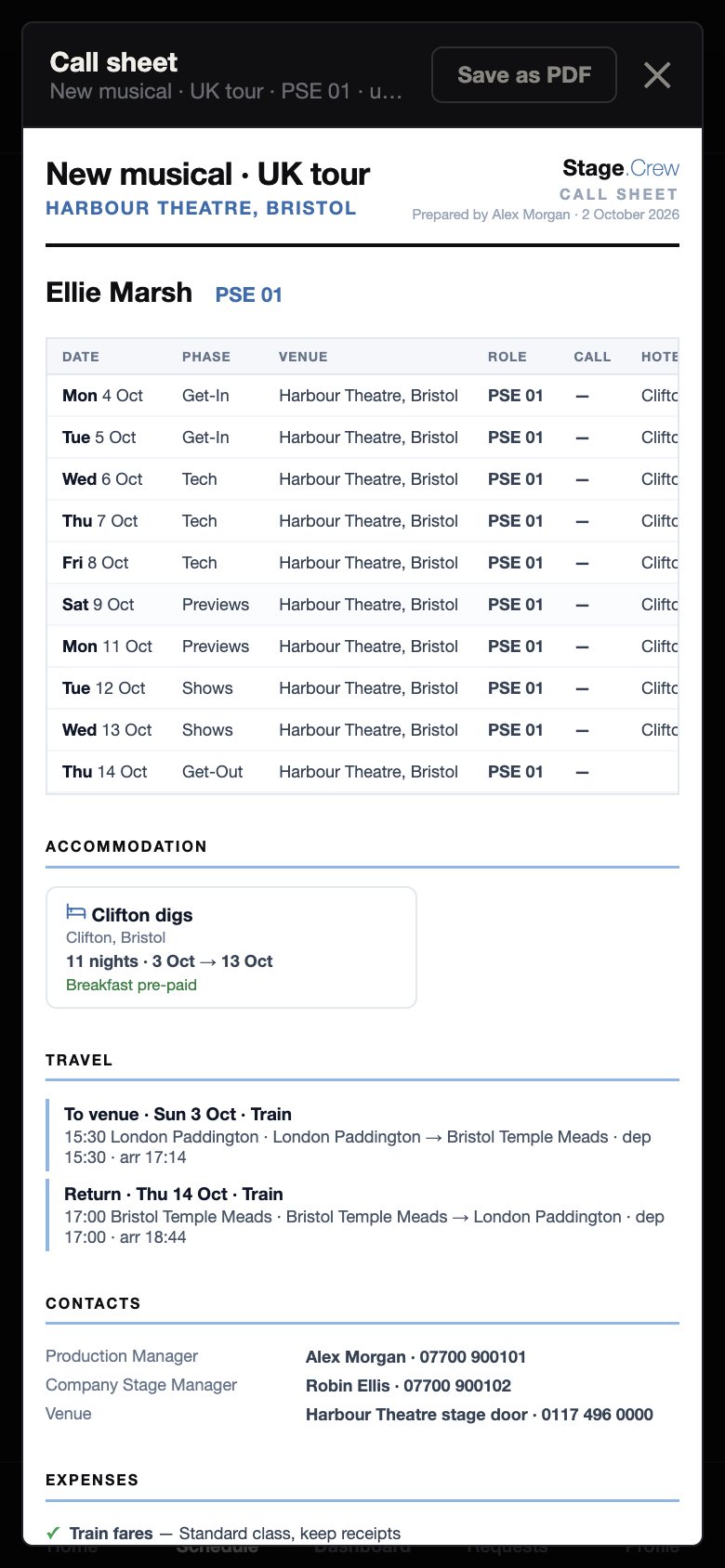
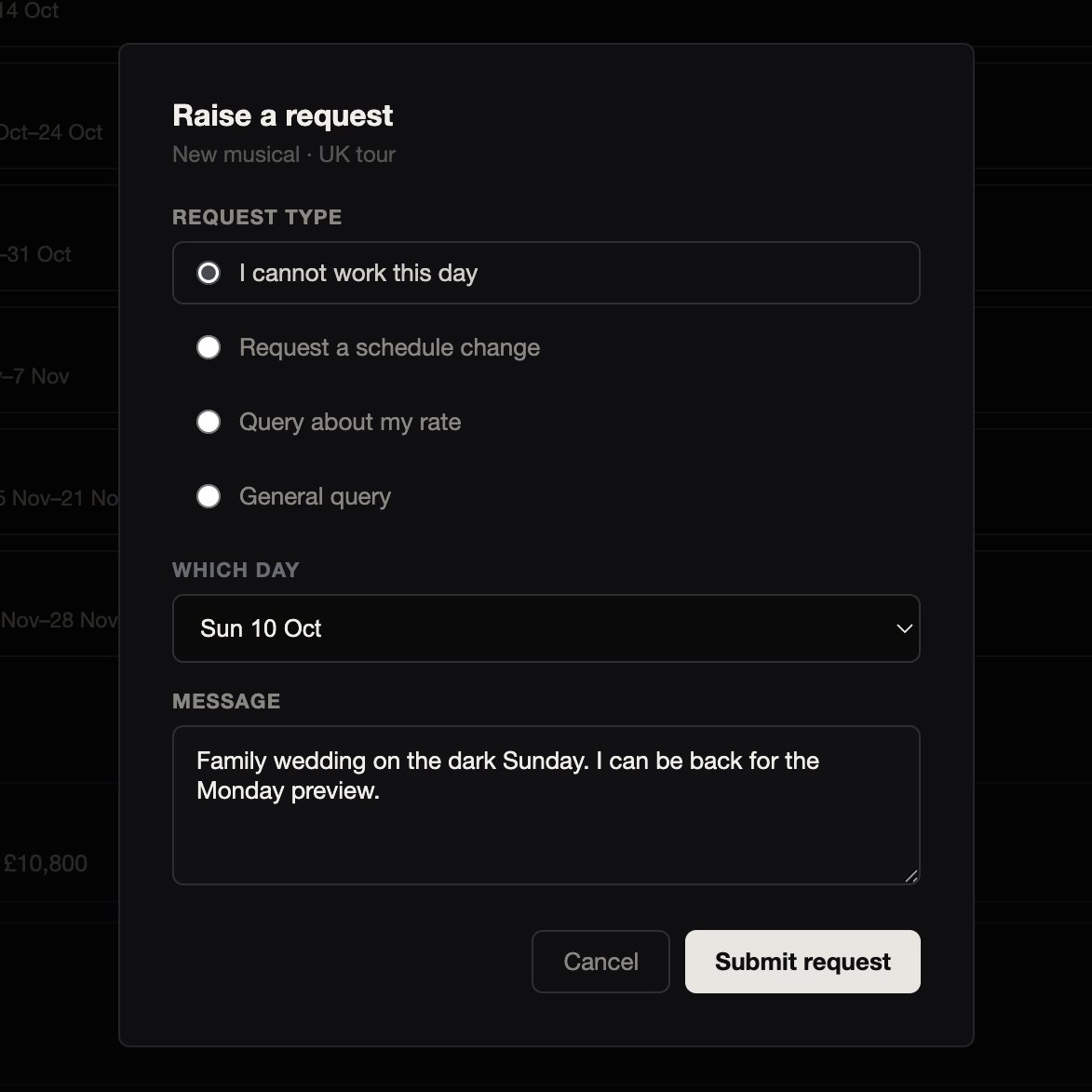
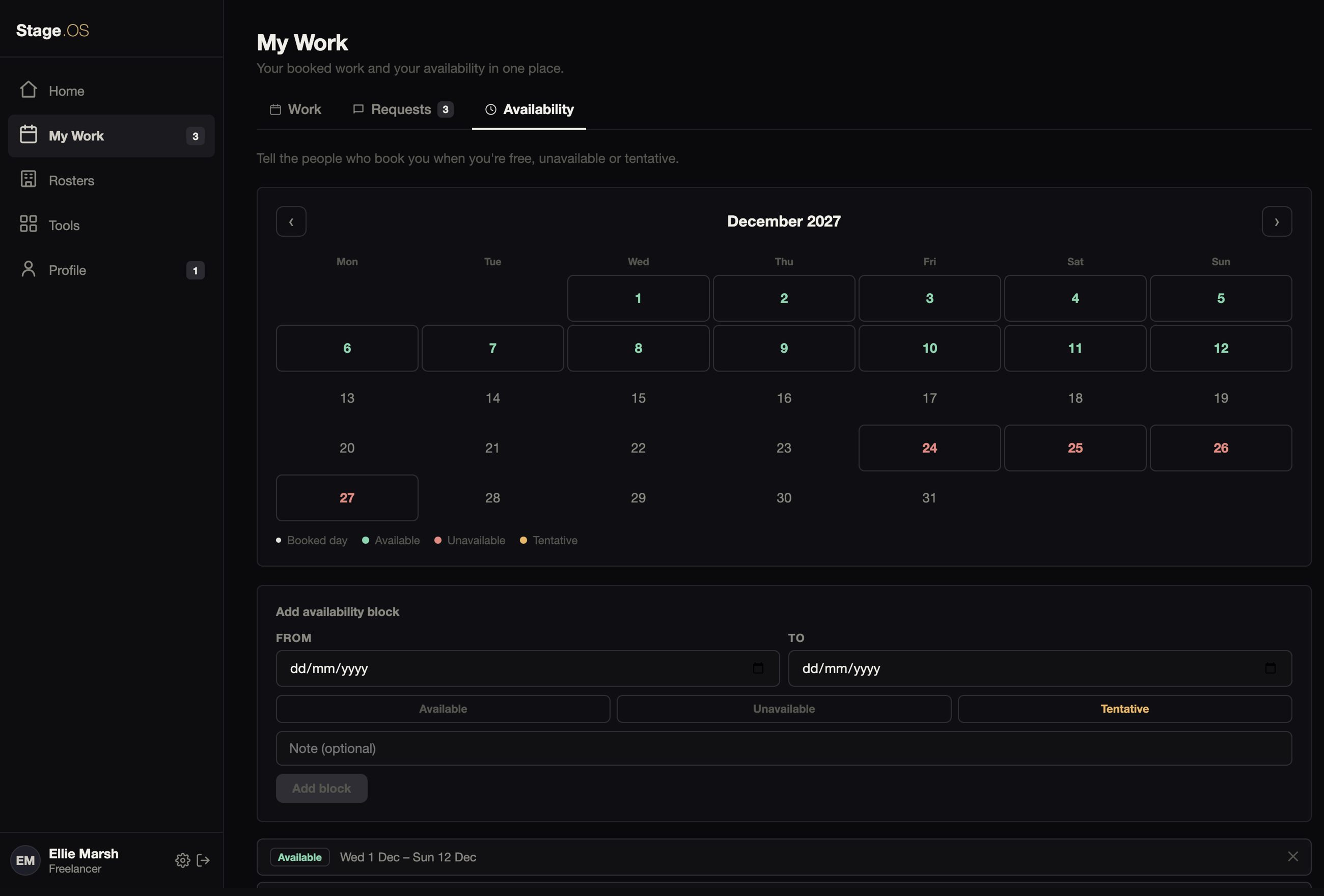
How-tos: Your work and calendar, Tell them about a problem and Set your availability.
Rosters
The organisations you work for, and the Global Roster, where others can find you.
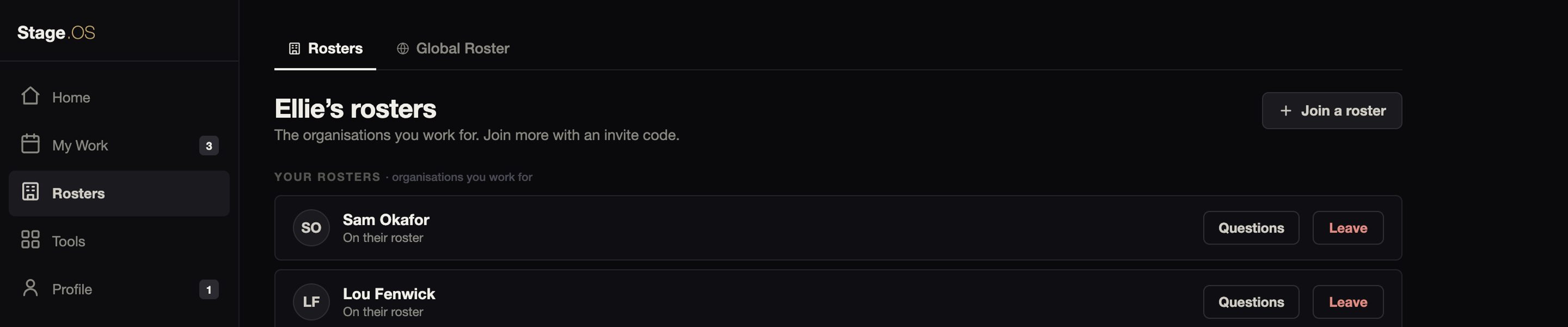
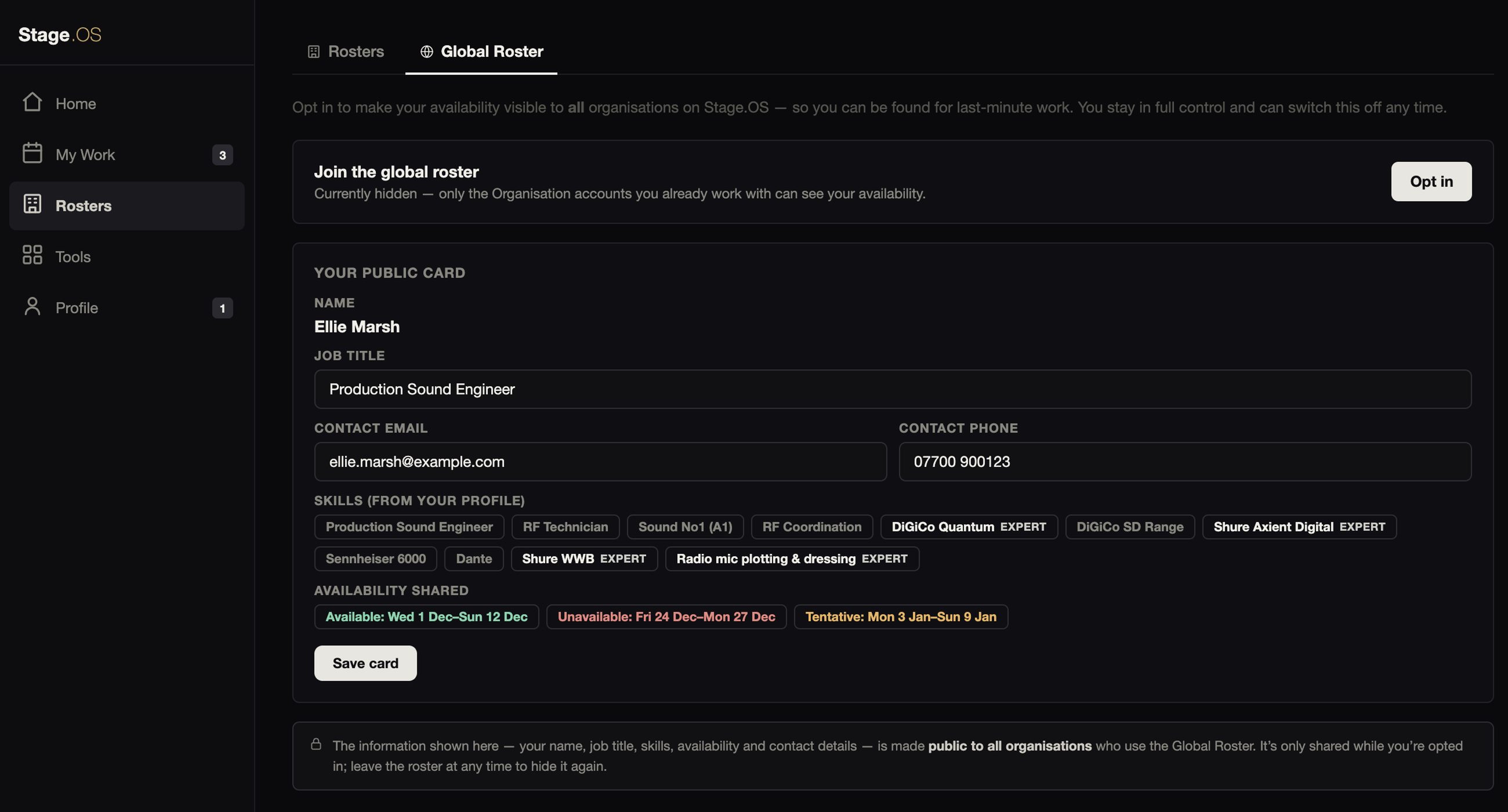
You can work with as many organisations as you like from one account, and you’re only on a roster if you’ve said yes.
How-tos: Join a roster, and be found and Block an organisation.
Profile
What the organisations that book you see, and what stays private.
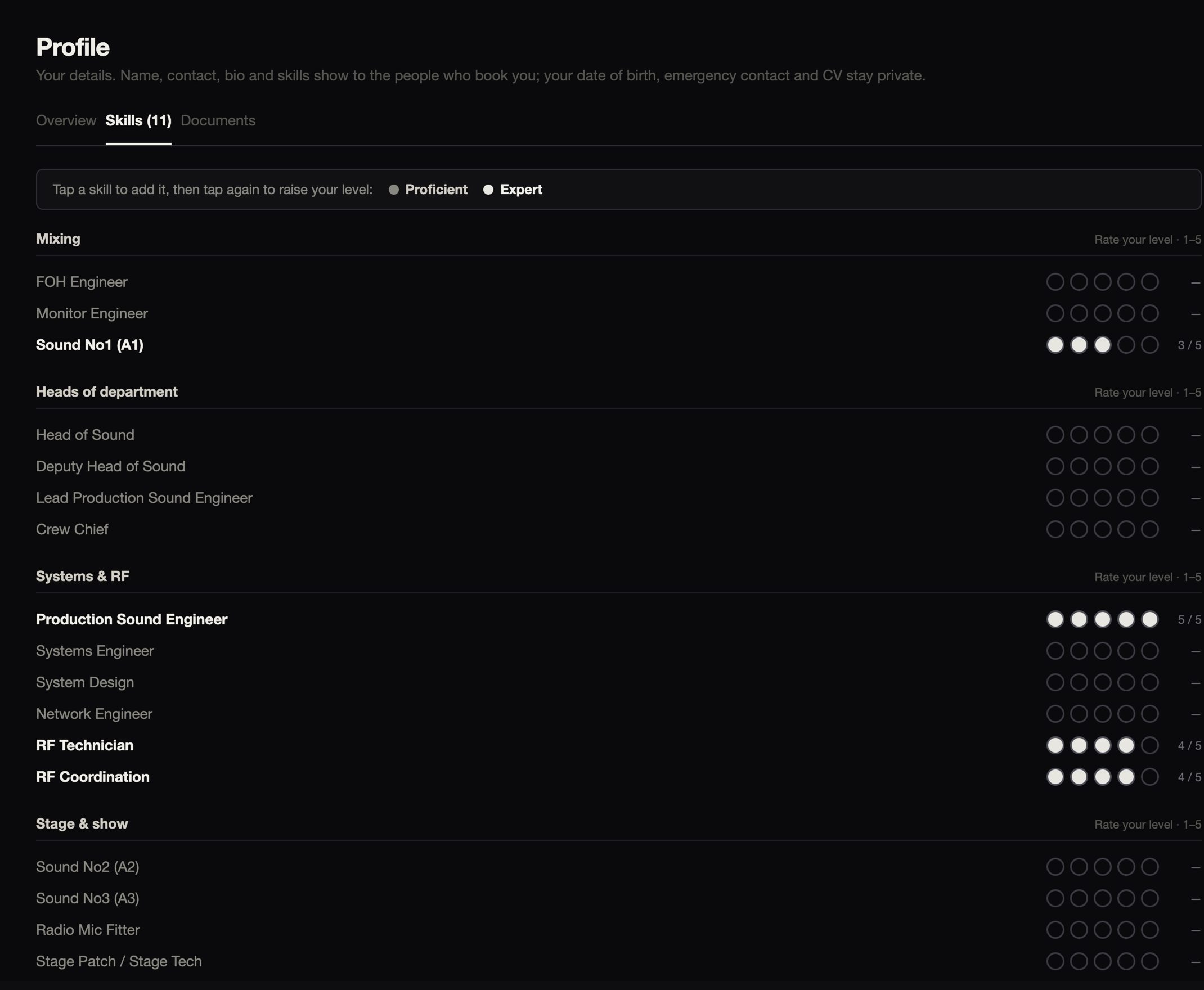
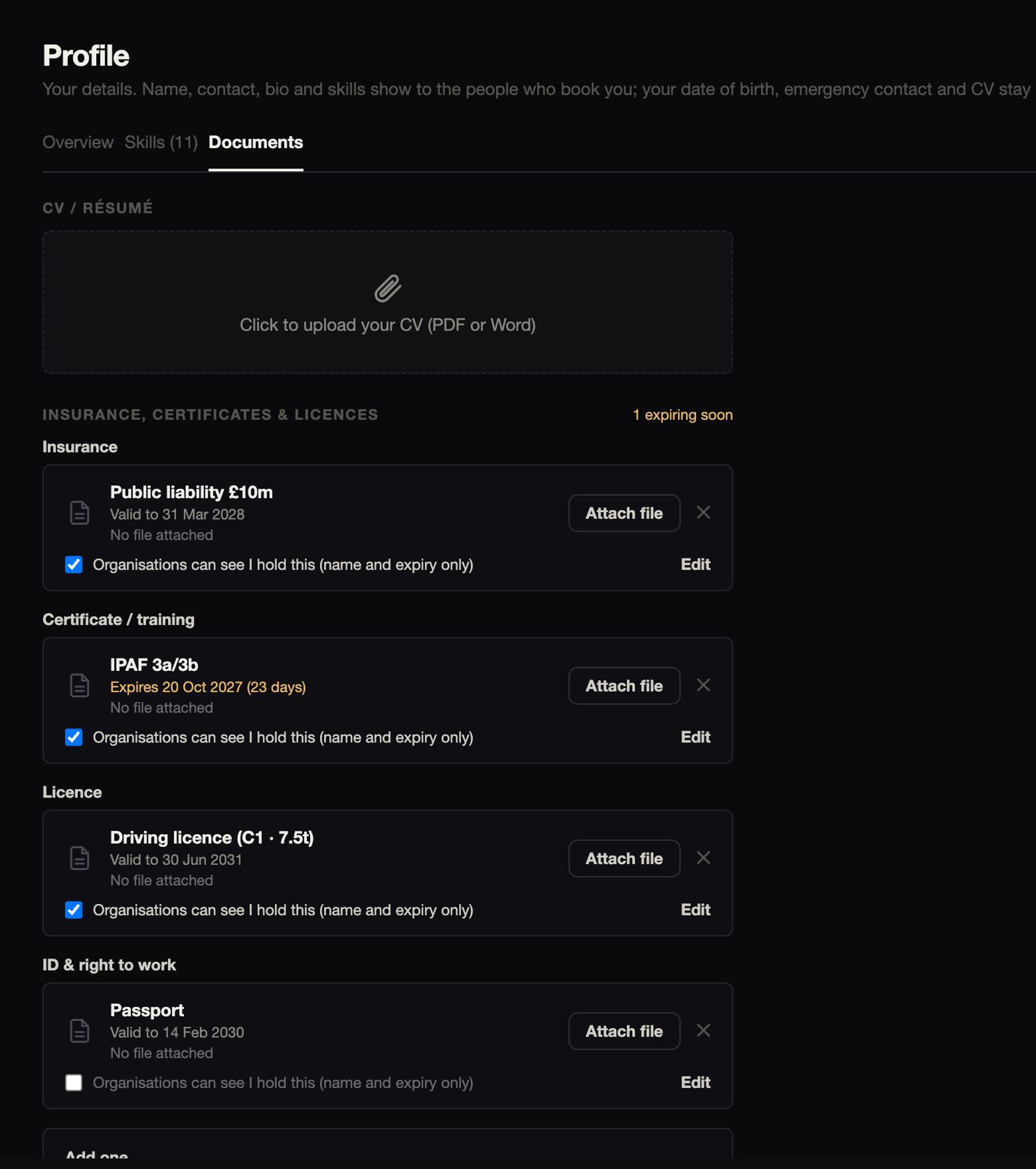
Your CV, date of birth and emergency contact stay private. Any details a particular job needs are shared only with that organisation, for that job, and deleted when the organisation clears them or removes the job.
How-tos: Your profile: skills and documents.
Your account
Your account keeps everything in one place, for all the organisations you work for. It’s free.
You sign in at app.stageos.uk in any browser, on a laptop or a phone. The Mac app is coming soon.
Free freelancer accounts are coming soon too. Until then, you can answer jobs from the link you’re sent.
A Freelancer account costs nothing.