Stage.OS Beta
Sign in

Prep Share

Coming soon. A free add-on.

Prep Share puts your specs, I/O, Racks and to-do lists on every phone and laptop in the prep room. They go straight from your Mac over the venue’s network, and everyone uses the same address and PIN.

The screenshots on this page come from the real app and the pages its Prep Share server sends out, filled with a made-up tour.

Overview

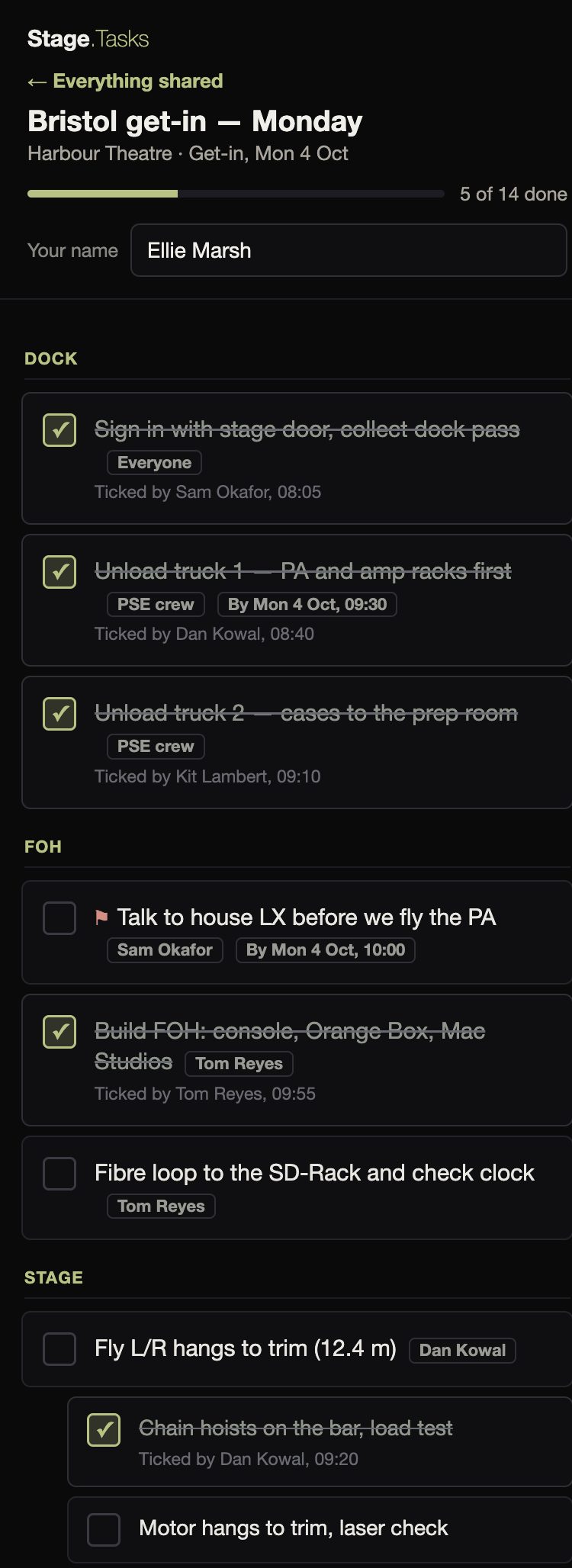
Sharing two to-do lists from Stage.Tasks, then a crew member’s laptop on the same network: the PIN, the spec, the I/O, and the get-in list ticked off, in just over a minute.

Crew screens

How it works

The organisation, in the Mac app
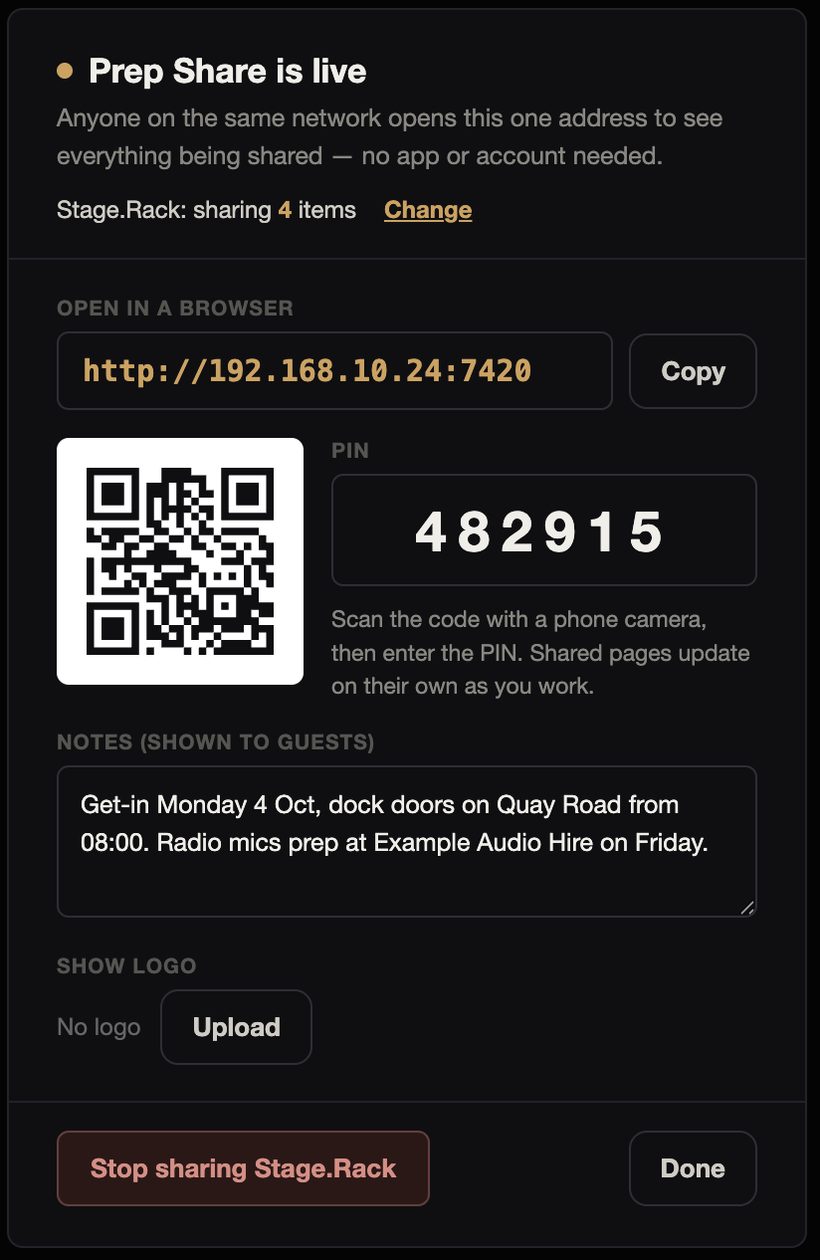
The Prep Share is live panel: the address with Copy, a QR code, the PIN 482915, notes shown to guests, a show logo, and Stop sharing

Press Prep Share on the productions page in Stage.Spec, Stage.Rack, Stage.IO, or in Stage.Tasks, and pick what to share. It all goes out on the same address.

People can scan the QR code, or you can read the address out, and then you give them the PIN. You can add the show logo and a note.

You can change what’s shared as you go, and stop sharing each app whenever you like. Your edits reach every screen.

The crew, in any browser
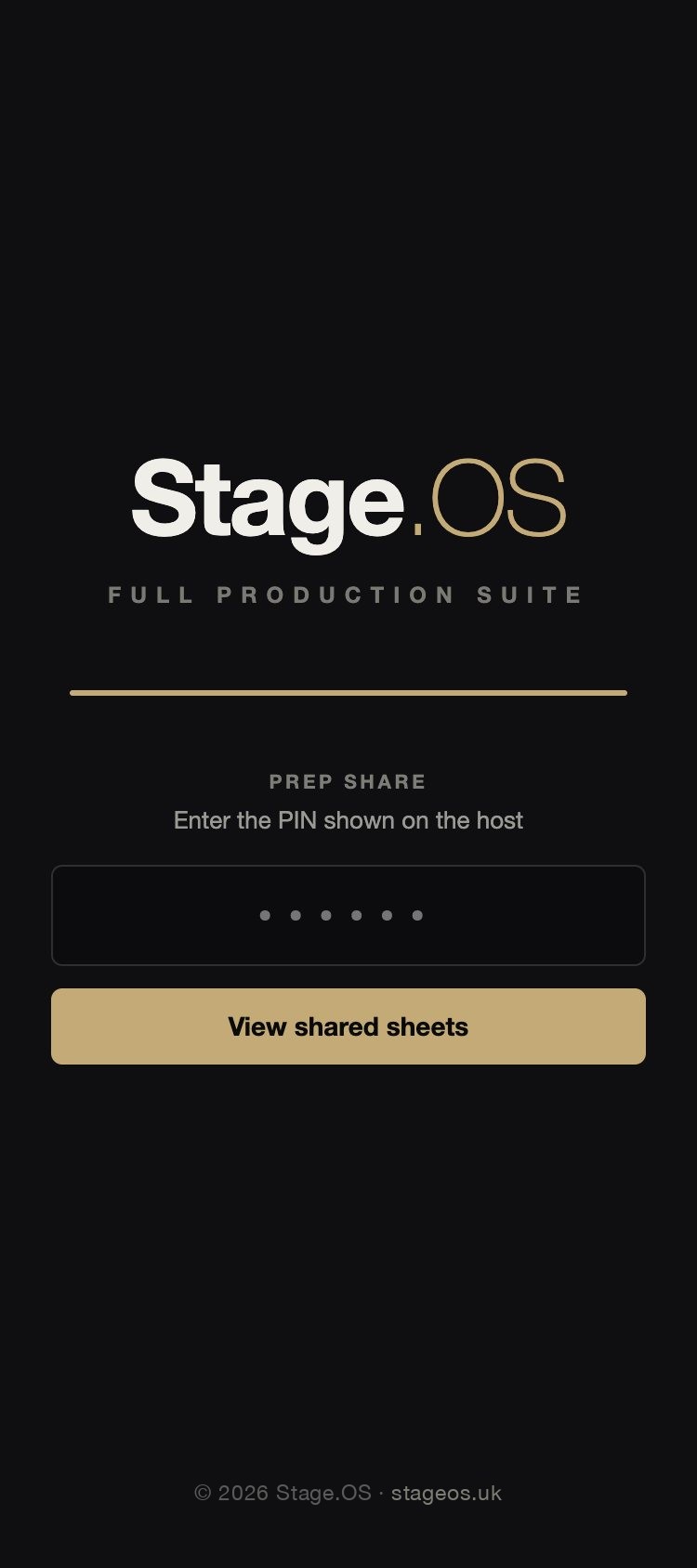
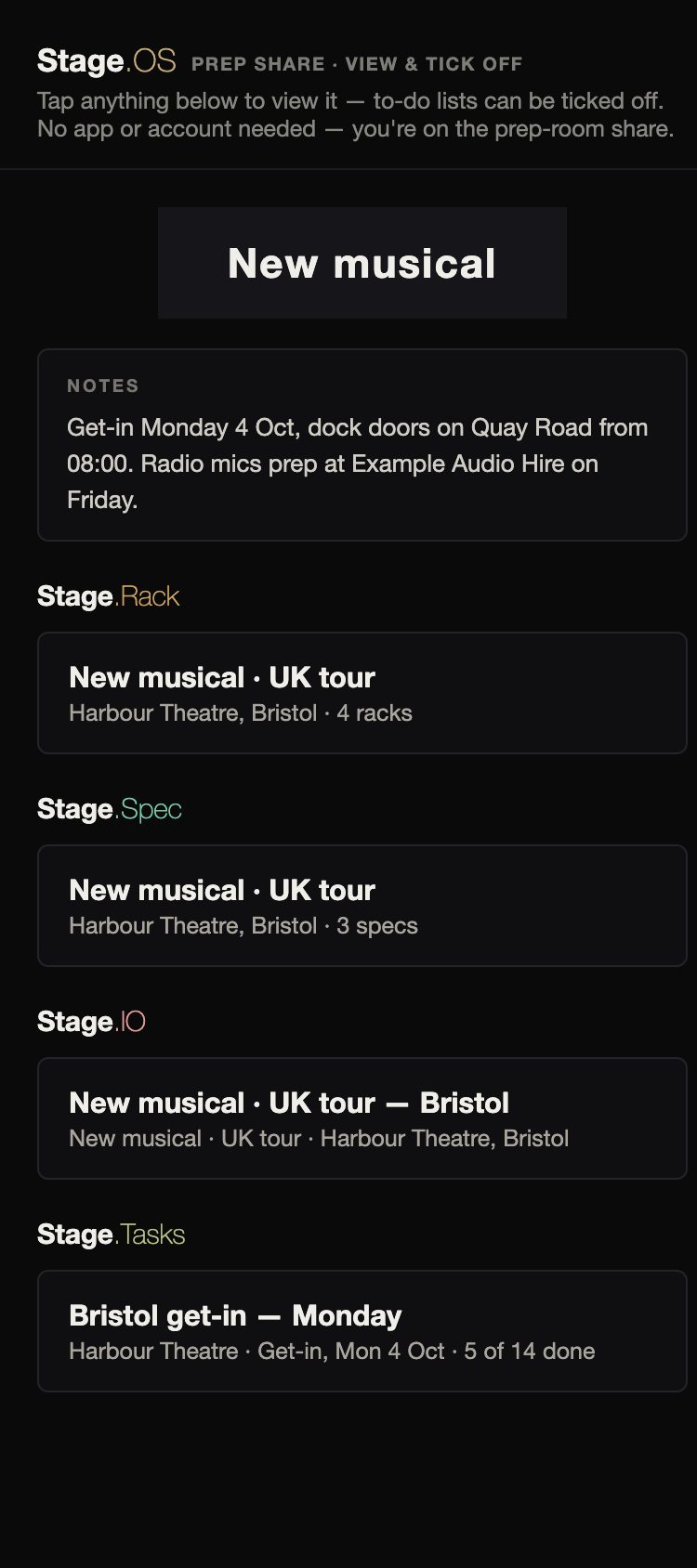
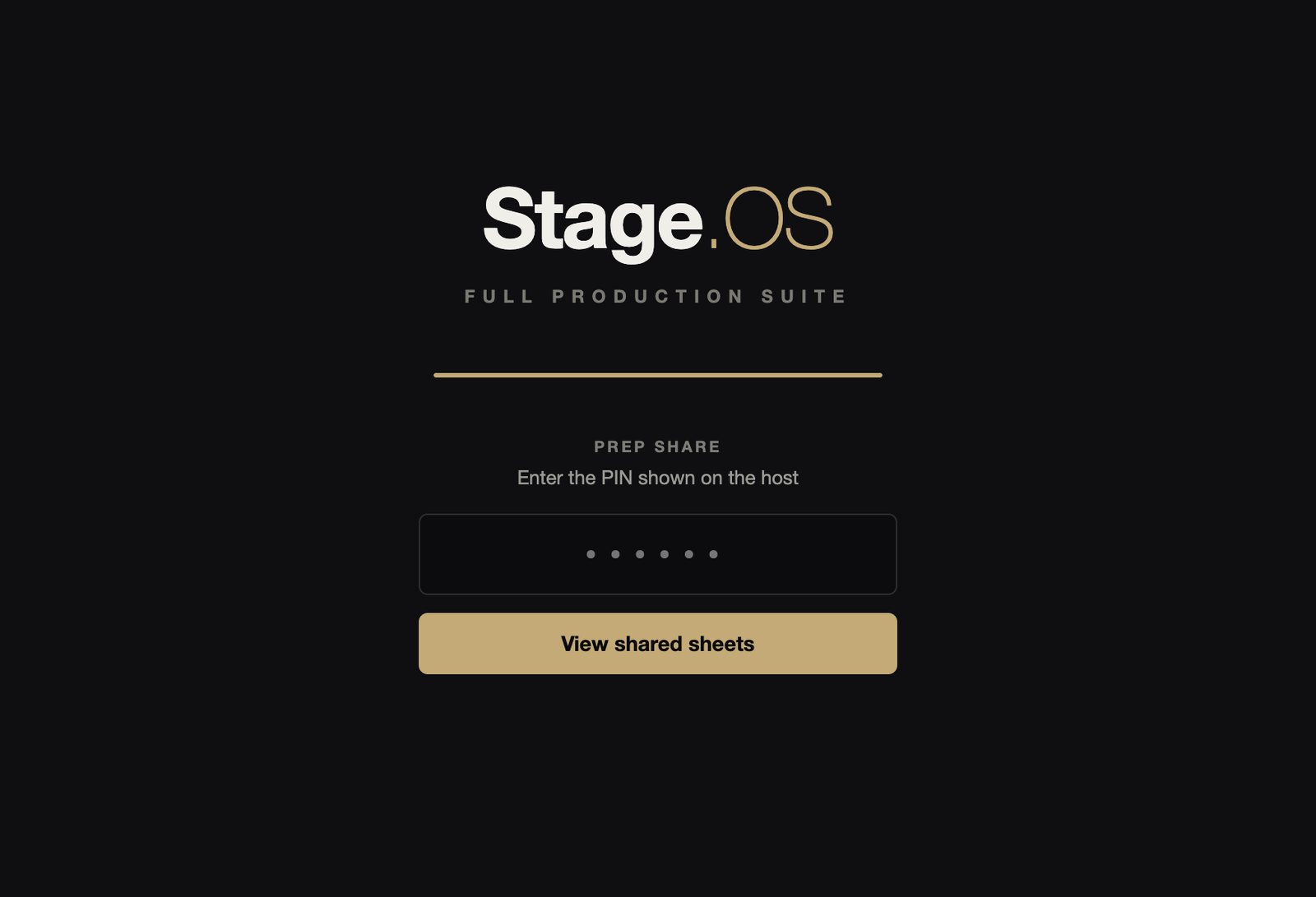
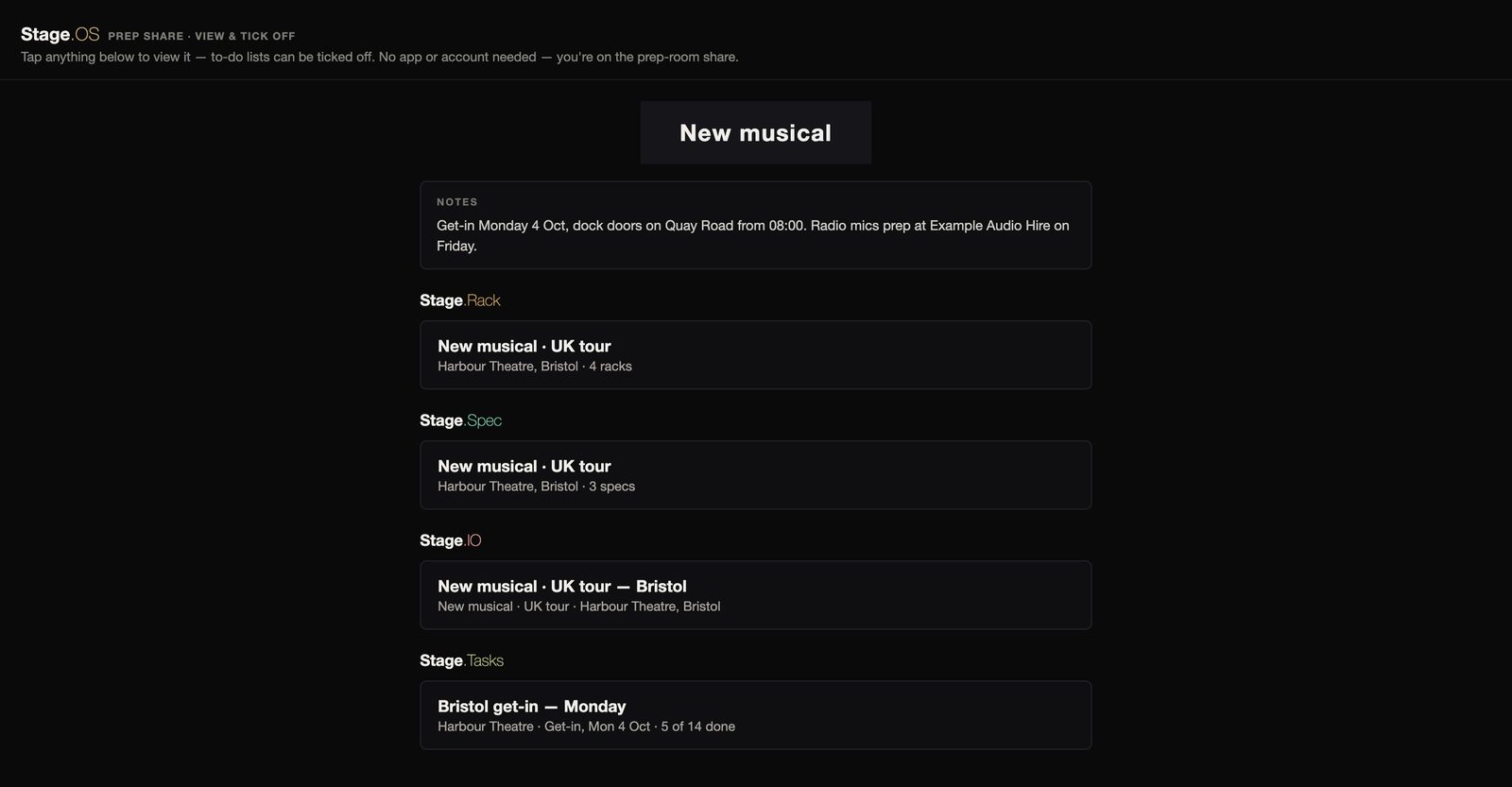
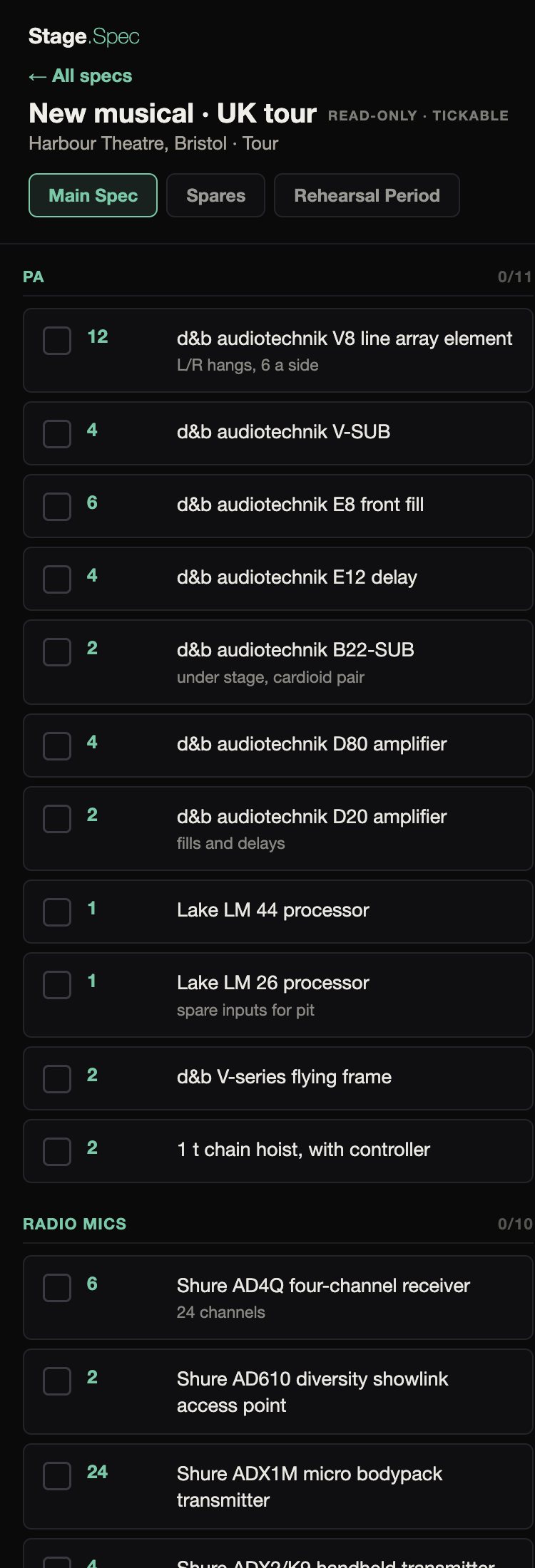
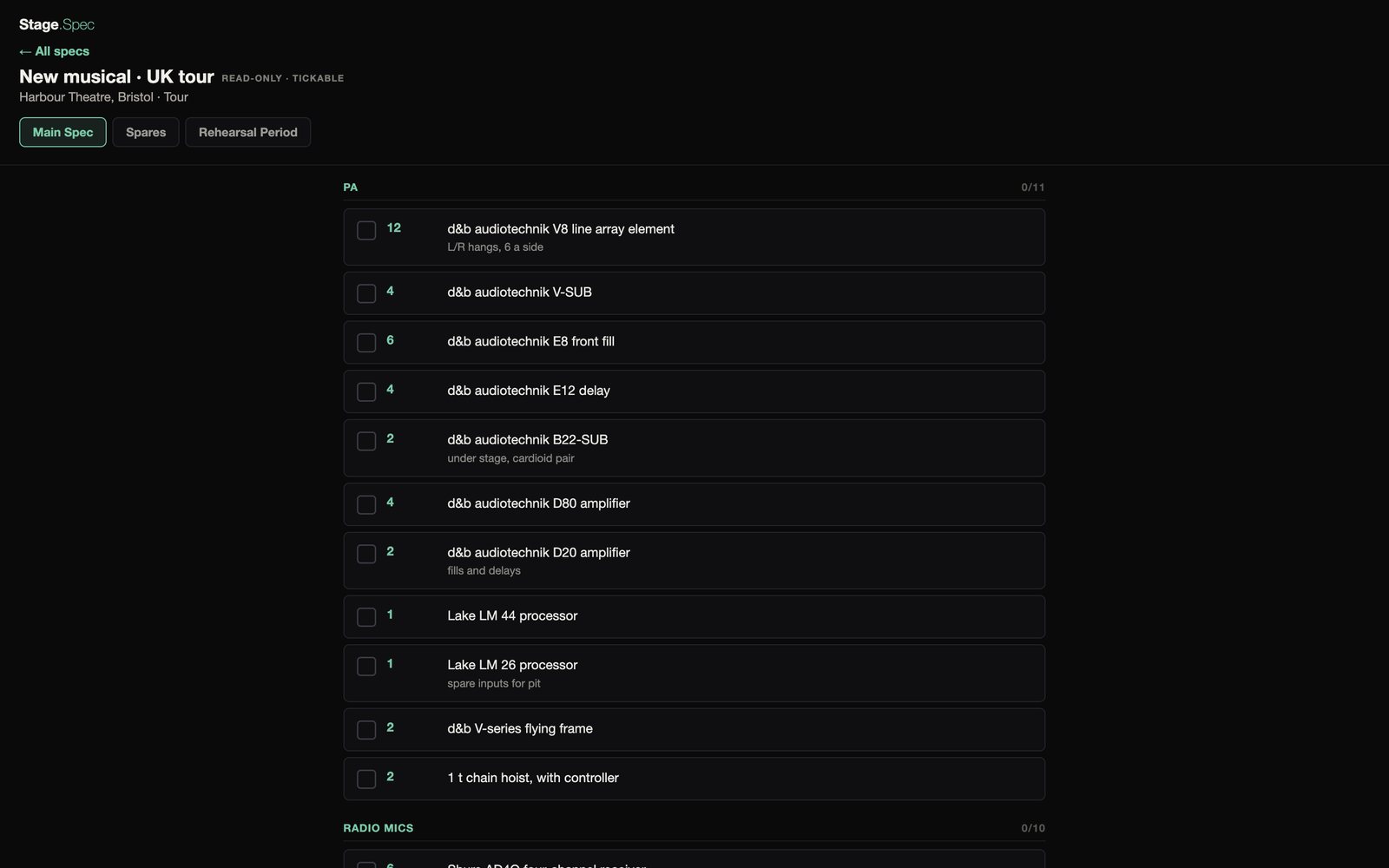
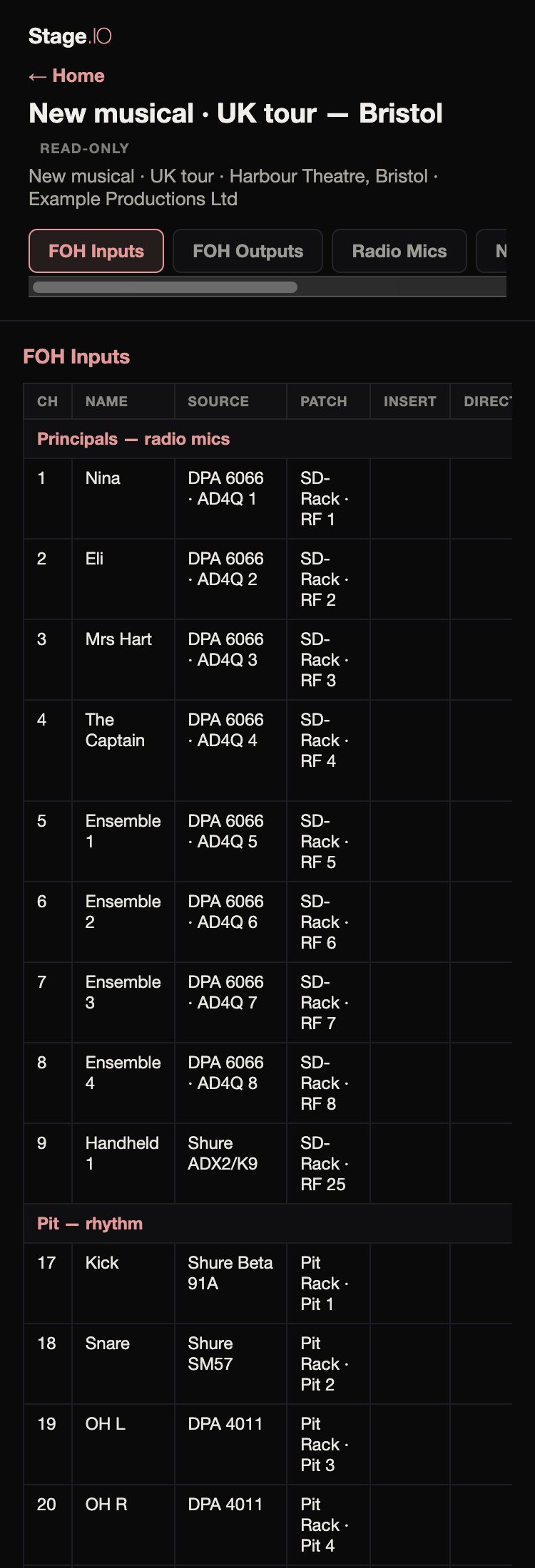
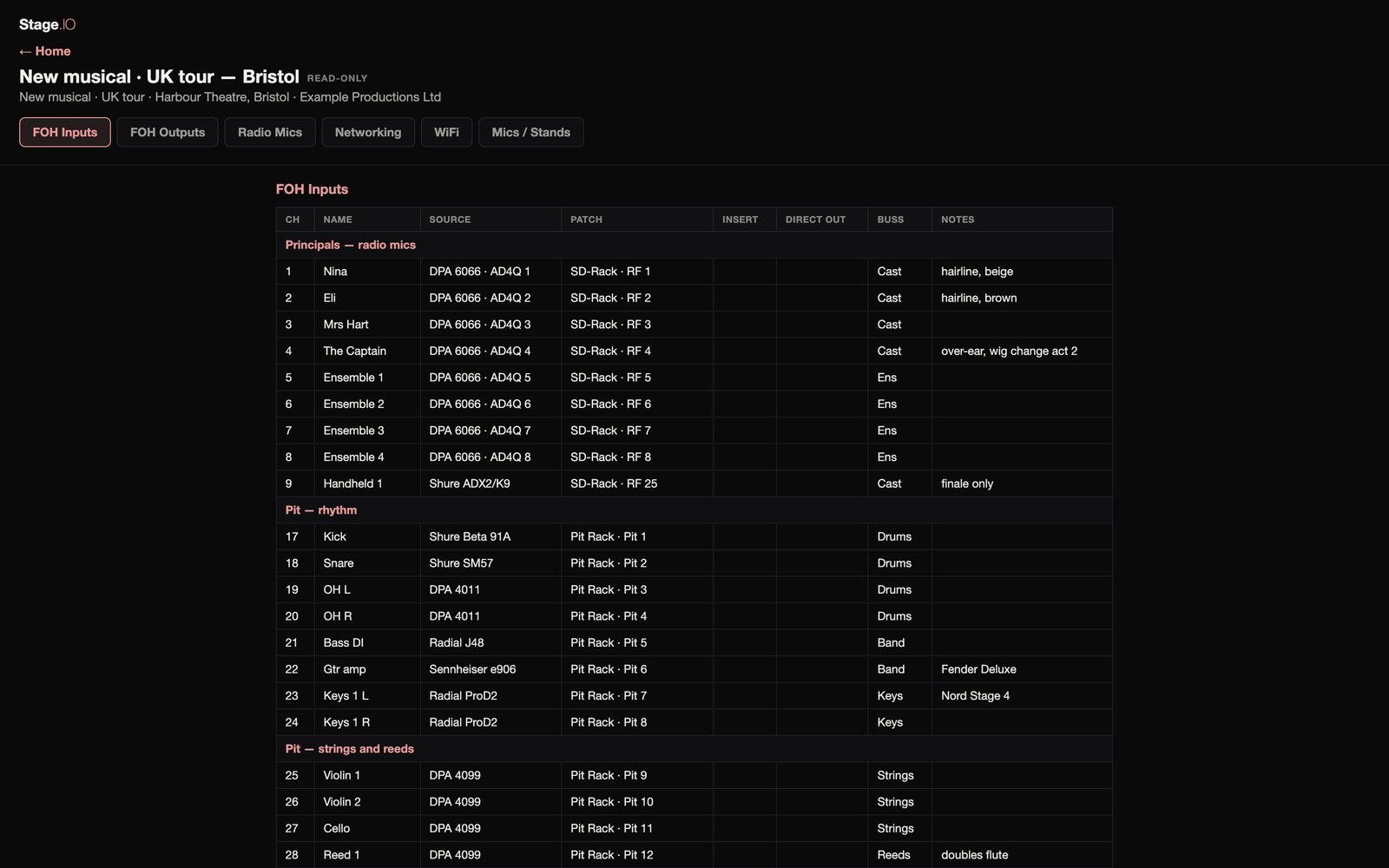
The PIN page on a phone The guests’ home page on a phone: the show, the organisation’s note, and a card each for Stage.Rack, Stage.Spec, Stage.IO and Stage.Tasks The PIN page in a laptop browser The guests’ home page in a laptop browser

The crew open the address on the venue network and enter the PIN. They don’t need an app or an account.

A home page shows everything that’s shared, grouped by app, under the show logo and the organisation’s note.

It works the same for anyone, day crew included, whether or not they’re on Stage.OS.

What the crew see

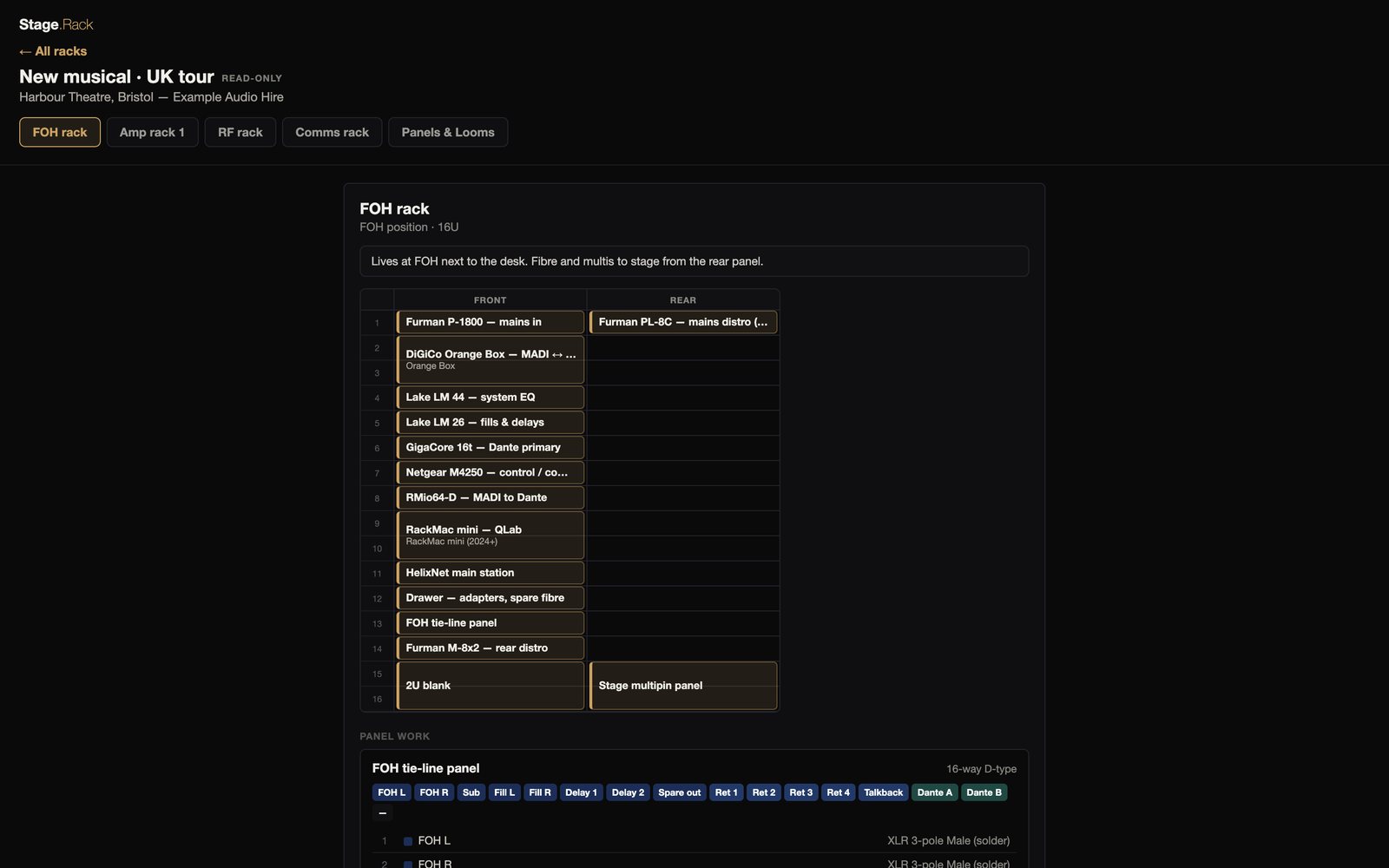
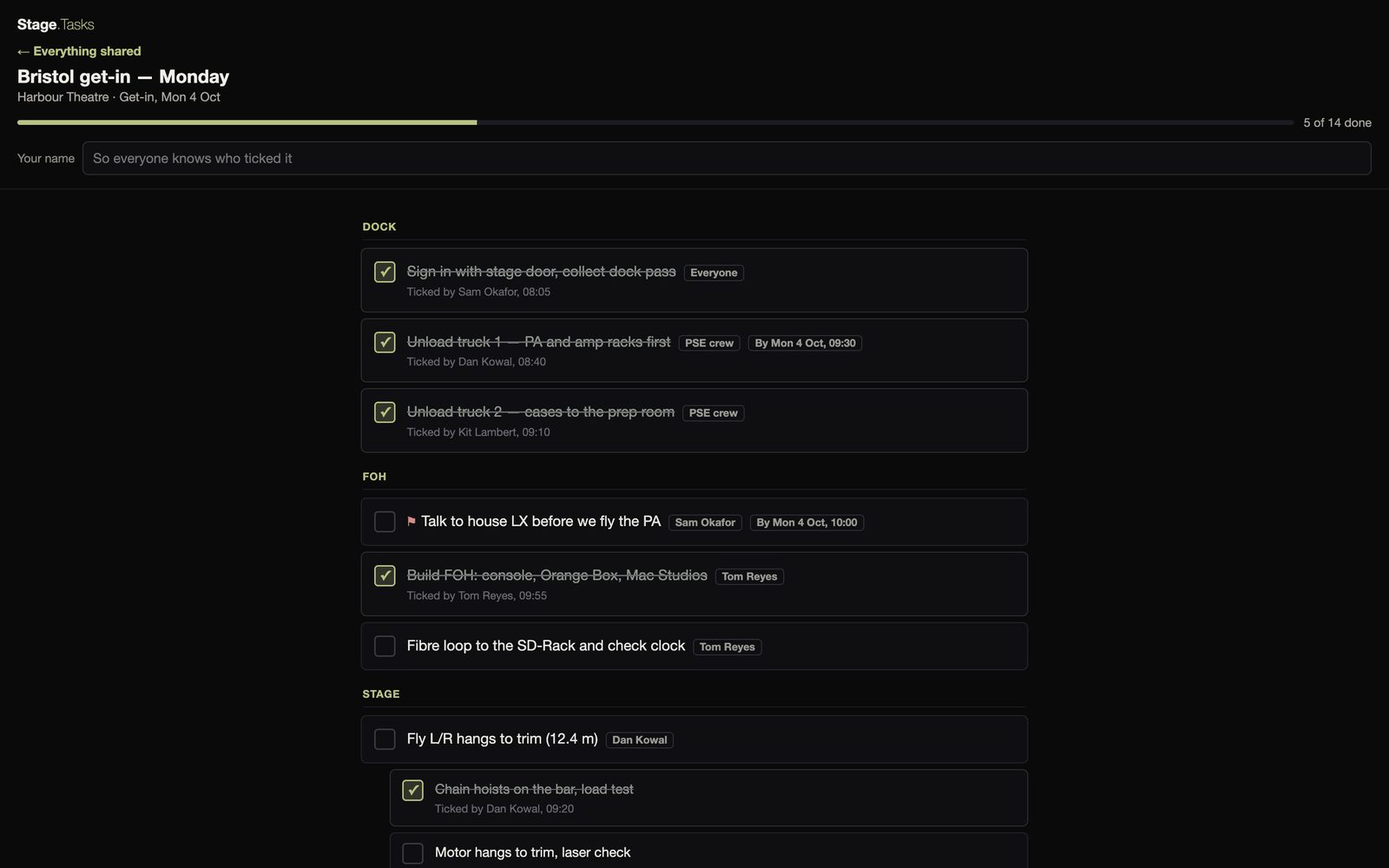
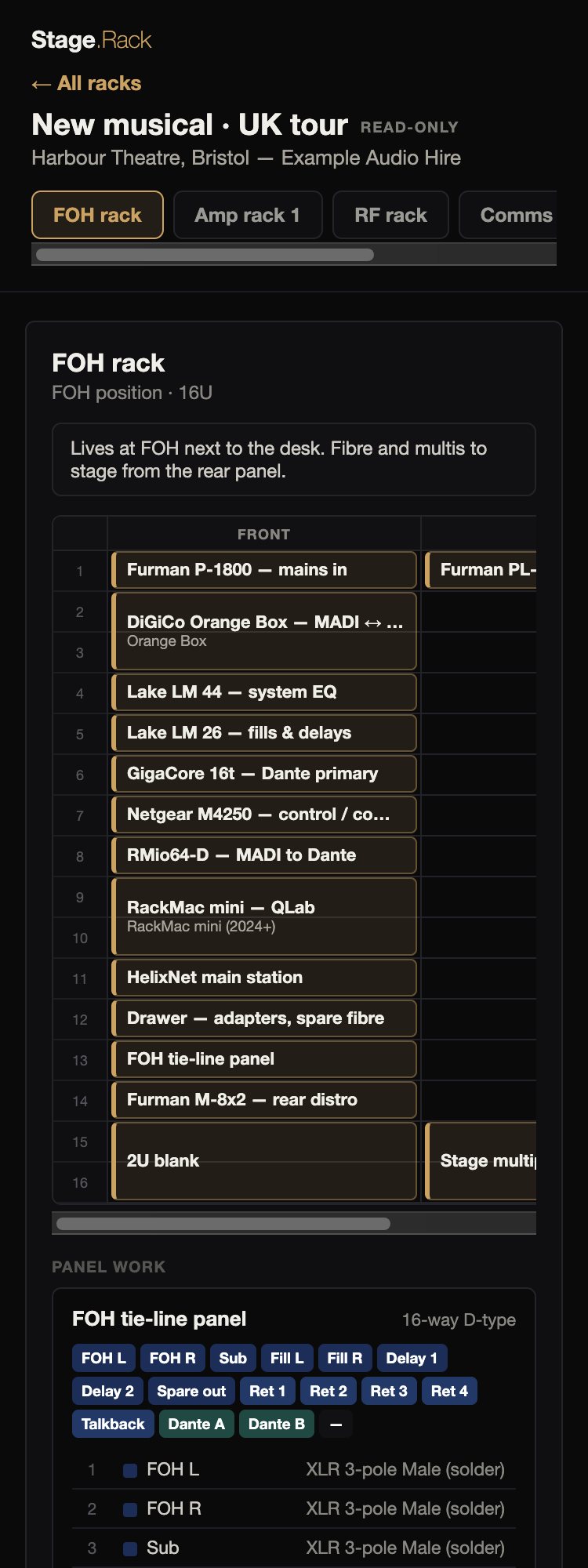
The crew get read-only web versions of the apps’ pages. Specs and to-do lists can be ticked off.
The details

Prep Share is a free add-on. It runs from Stage.OS on your Mac. People with Freelancer accounts join the same way as everyone else, from any browser with the address and the PIN.

The pages go straight from your Mac to the room over the venue’s network, not through our servers. To-do ticks are saved to your Stage.OS account, so for those the Mac needs an internet connection as well.

The crew see a plain web page on the local network, much like a console’s web remote, so share it on the production network rather than the public WiFi.

When you change something, the crew’s pages update automatically and stay where they were.

Once a device has entered the PIN, it stays in for 12 hours, or until you stop sharing. A wrong PIN only means a one-second wait, so nobody gets locked out on the dock. You can turn the PIN off in Settings before you start sharing.

The first time a guest ticks something on a to-do list, they type their name, and the device remembers it. Guests can tick and untick items, but adding items stays with you.

Sharing ends when you stop it, sign out or quit, or when another account signs in. Signing out takes the notes and logo off the share, but they’re kept with your account for next time.

This is separate from the work you assign to crew who have Stage.OS accounts, which they see over the internet, in their own side of the app or on the web portal. Prep Share needs only the venue network.