Stage.Venue
Coming soon, for every account.A shared database of venues’ technical details, filled in by the people who work in them. It records where the power is, how big the stage is, what flies and where FOH goes.
The screenshots on this page come from the real app, and the venues filled in on them are made up.
Overview
Finding a venue, adding one the list hasn’t got, and the technical page it makes, in under a minute.
Finding a venue
The list starts with more than 1,000 theatres, concert halls, arenas and stadiums across the UK, Ireland and mainland Europe, and every venue people add joins it.
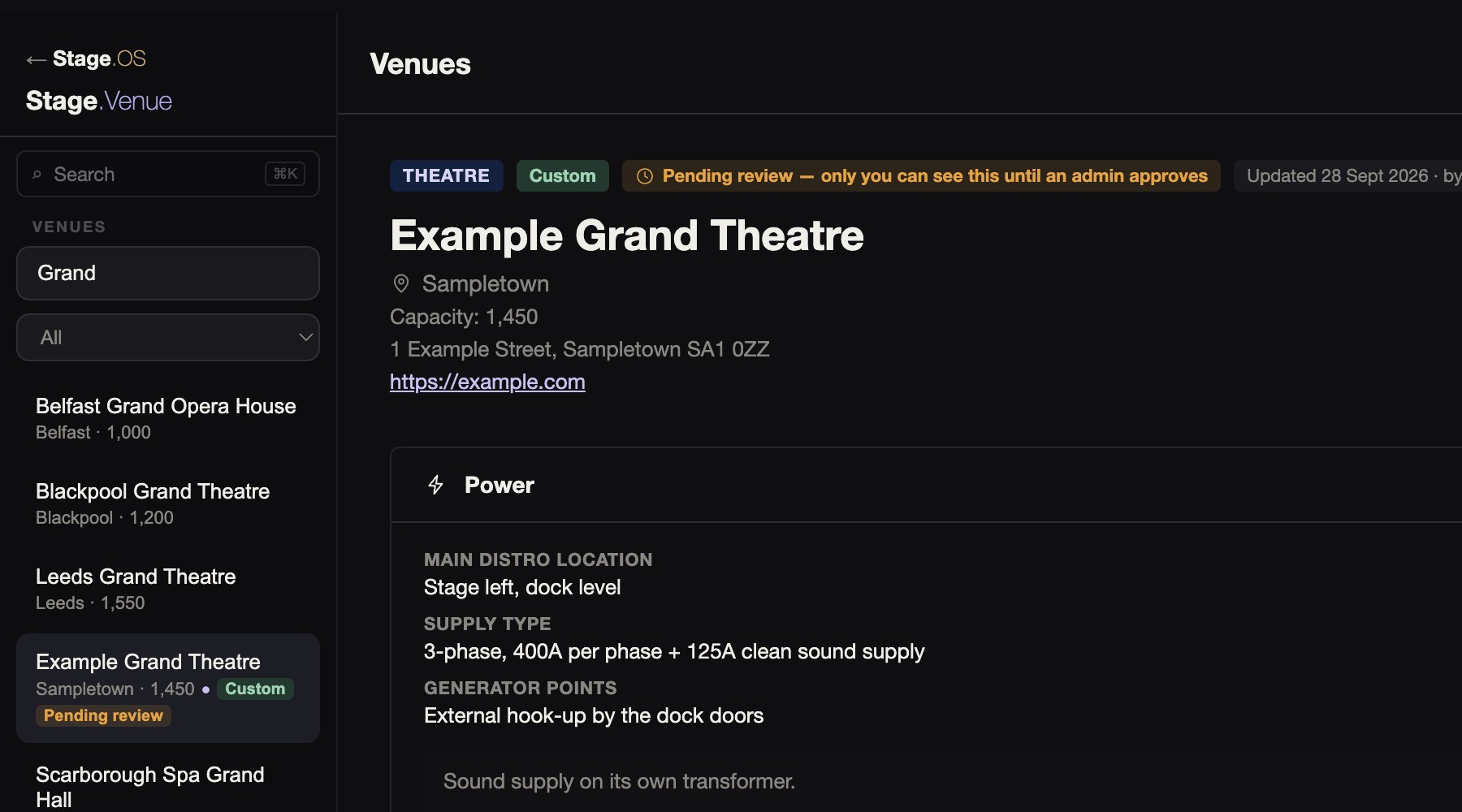
The search box takes a venue’s name or its town, and you can narrow the list to one city. A dot marks the venues that have technical details. Venues also come up in the app’s own search.
Most of the built-in venues start with only their name, city and capacity, for the people who work in them to fill in.
When you pick a production’s venue from Stage.Venue, its name and address come with it.
Venue details
Each venue keeps what a crew wants to know before the get-in on one page.
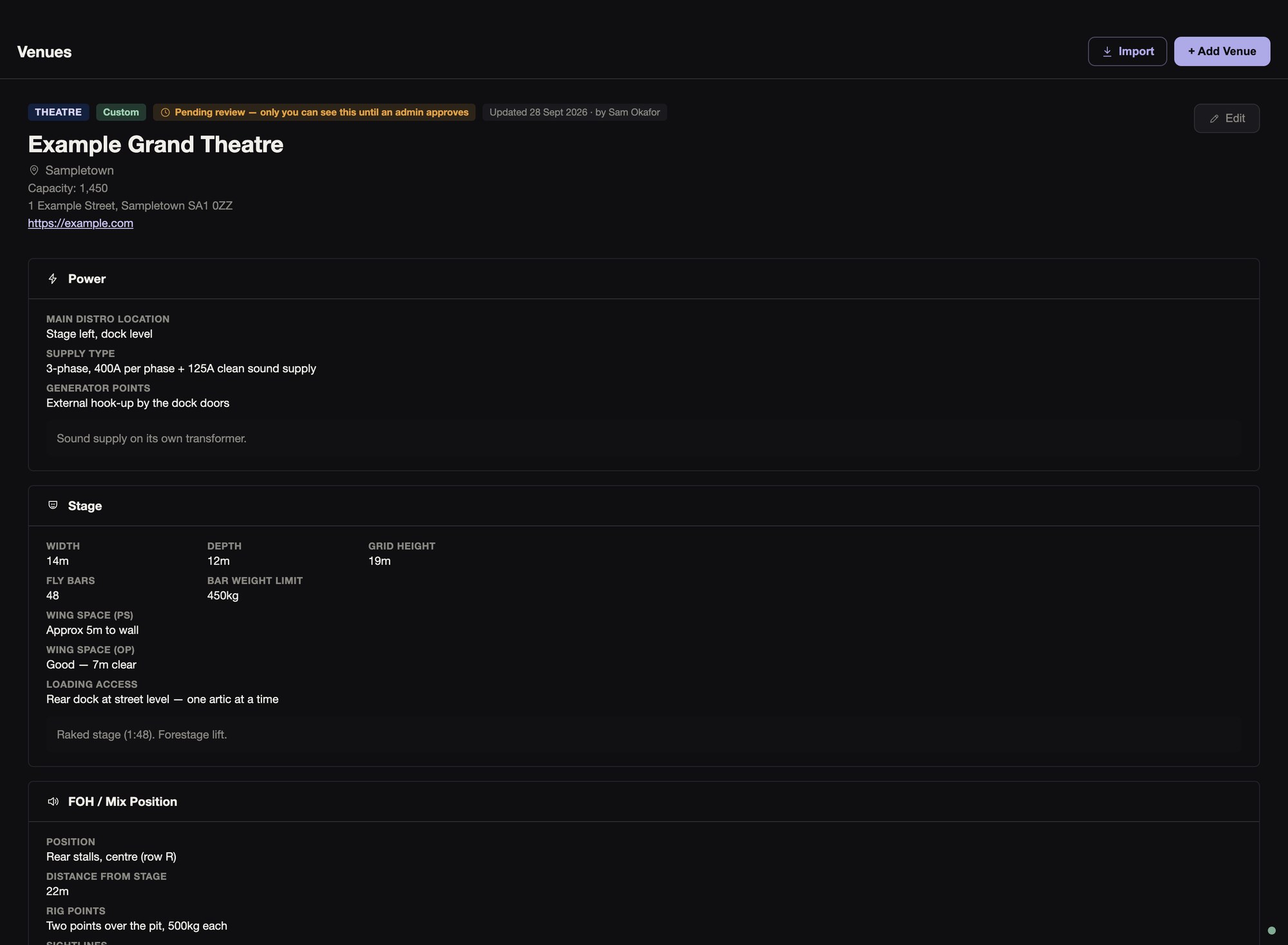
The power section says where the main distro is, what the supply is, and where the generator points are. Stage and flying gives the width, depth and grid height, the fly bars and their weight limit, the wing space on each side, and the loading access.
The FOH section covers the mix position, its distance from the stage, rig points and sightlines. Sound, comms and RF covers the house PA, patch rooms, cable routes and house mixer, the house comms, and the RF environment.
Facilities lists the crew and artist toilets, the canteen, dressing rooms, the production office and parking, and there’s a place for general notes.
Adding a venue
Anyone with an account can add a venue, or fill in a built-in one, with as much as they know.
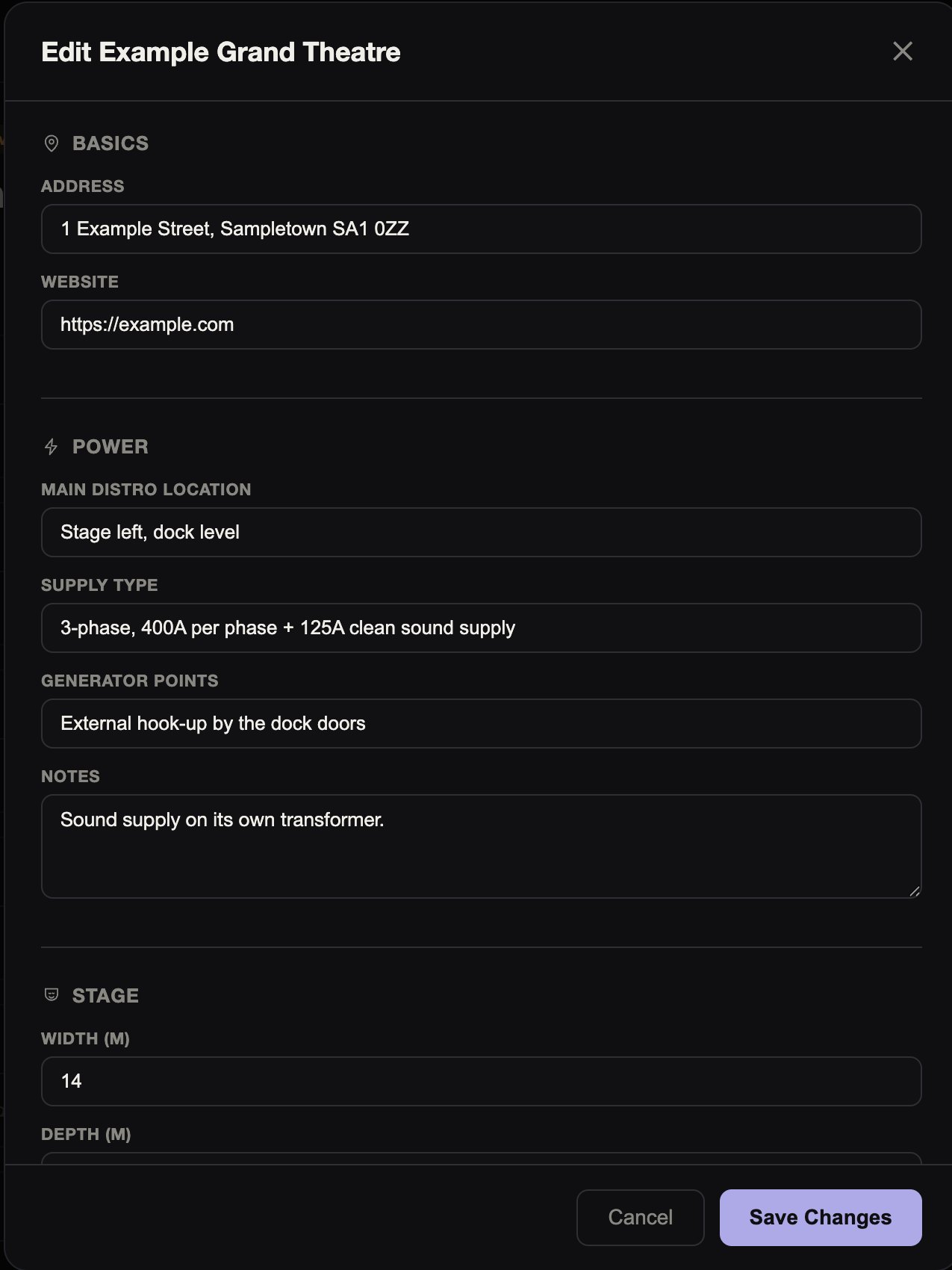
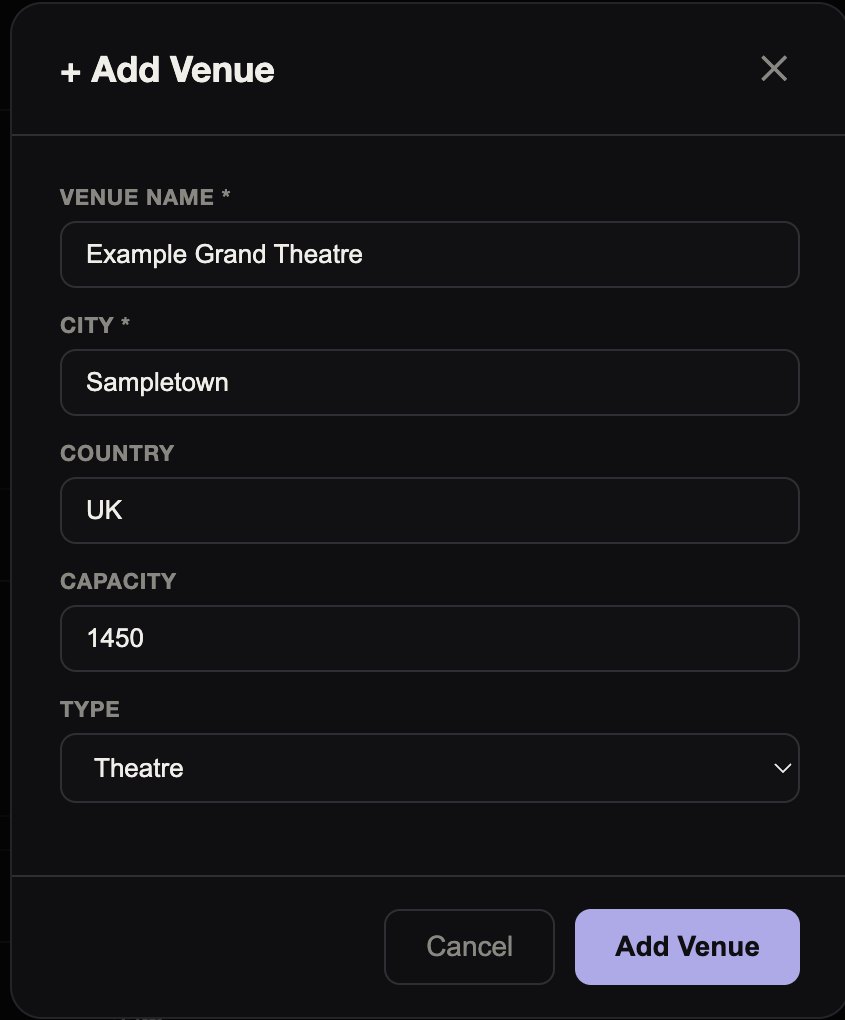
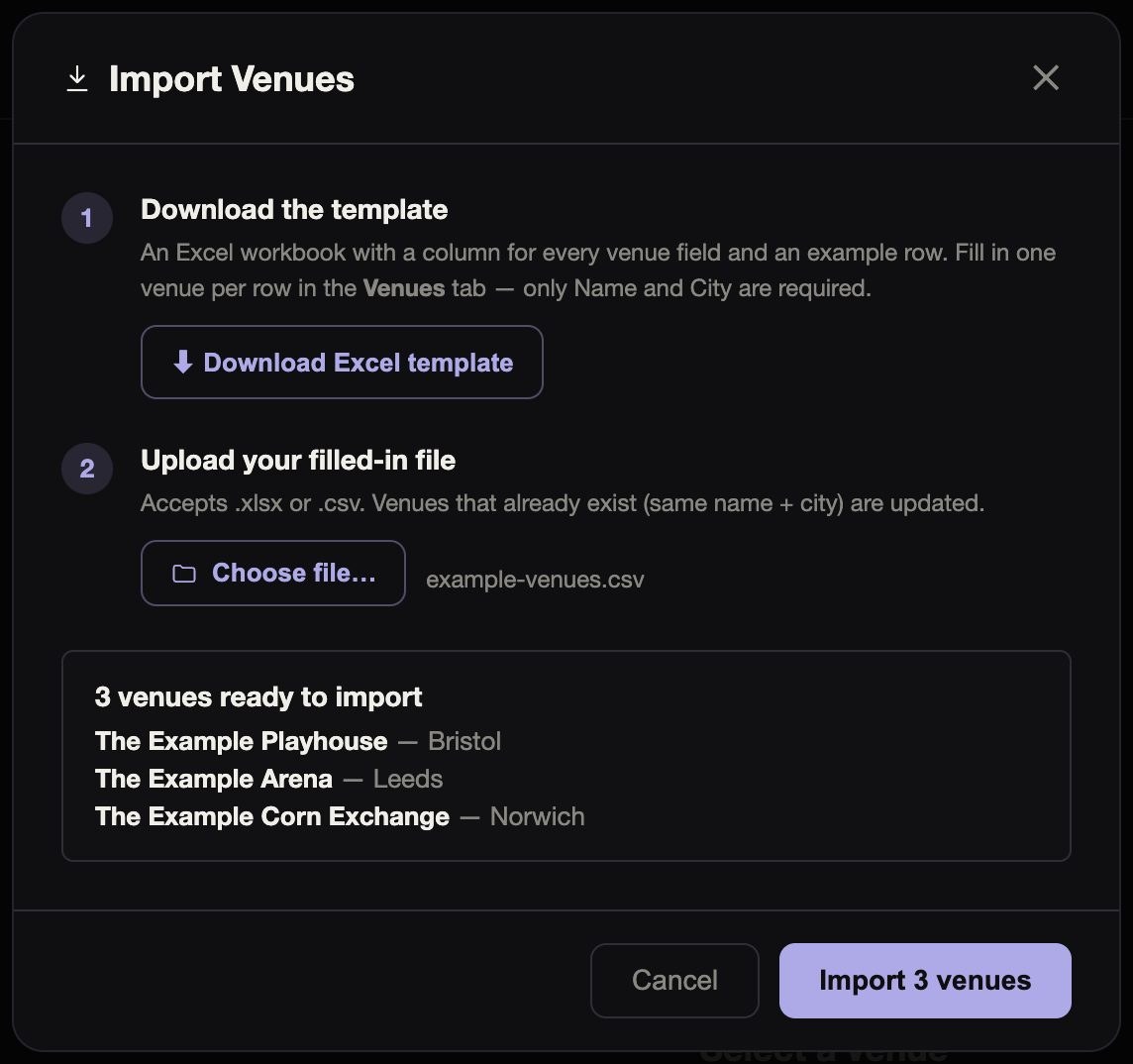
You can add a venue by hand, or fill in the template and import a spreadsheet of venues as .xlsx, .xls or .csv. The spreadsheet is checked row by row before anything is imported.
Once you’ve added a venue or filled in a built-in one, only you or the Stage.OS team can change it.
Checks and records
A new venue, or the first details added to a built-in one, is checked before it appears for everyone. Until then, only you can see it. If it isn’t approved you’re told, and editing it sends it back for review.
Every change is kept, and the Stage.OS team can roll back the latest change to any venue. Each venue shows when it was last updated, and who by.