Stage.Rack
Coming soon.Plan your racks with real gear at its real size, in 3D or as a flat drawing, along with the panels and looms that go with them. The paperwork for the workshop and the get-in comes from the same plan.
The screenshots and PDFs on this page come from the real app, filled with the made-up racks of an example UK tour.
Overview
How an RF rack goes from empty to an exported PDF ready for the pre engineers to build.
Productions
All the racks, panels and looms for a show are kept in its production, along with the hire house, the venue and who drew it.
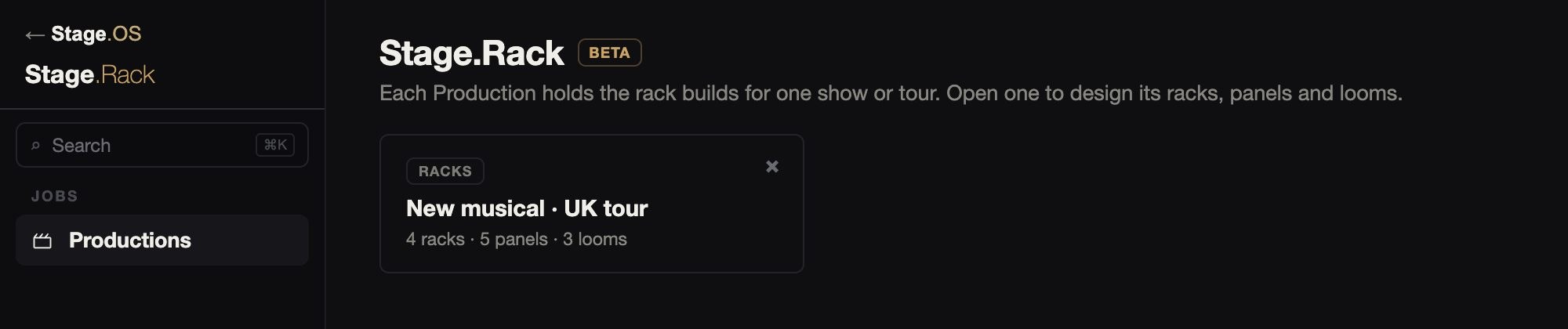
A production can hold as many racks as the show needs. Each rack has its own tab, with the panels and looms beside them.
01Racks
Drop gear onto the rails and you see the rack as it will be built, either in 3D, where you can turn it round, or as the flat drawing the workshop works from. There are front and rear rails and a mid rail, and each piece is drawn to its real depth where the maker publishes one.
01Racks
Drop gear onto the rails and you see the rack as it will be built, either in 3D, where you can turn it round, or as the flat drawing the workshop works from. There are front and rear rails and a mid rail, and each piece is drawn to its real depth where the maker publishes one.
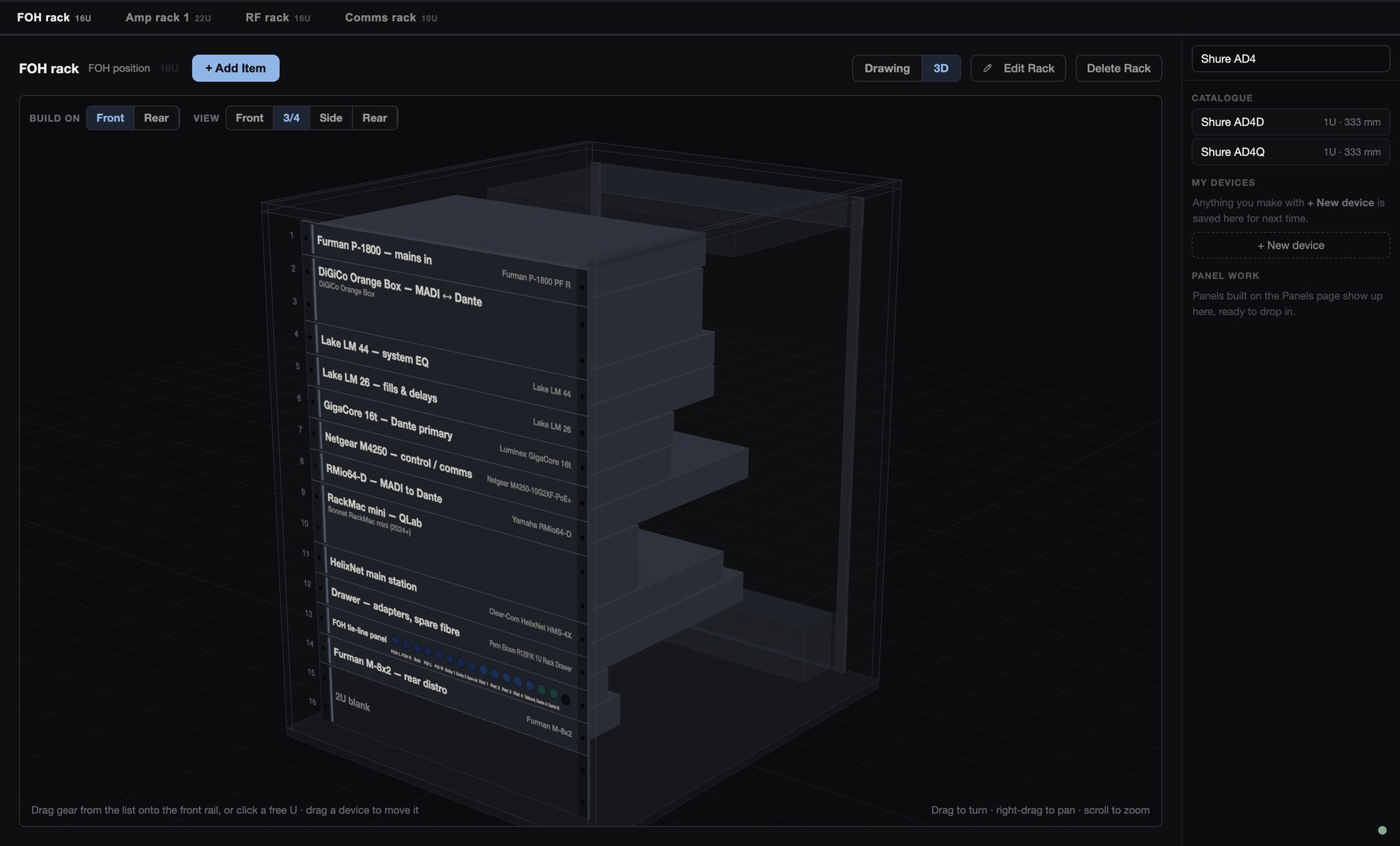
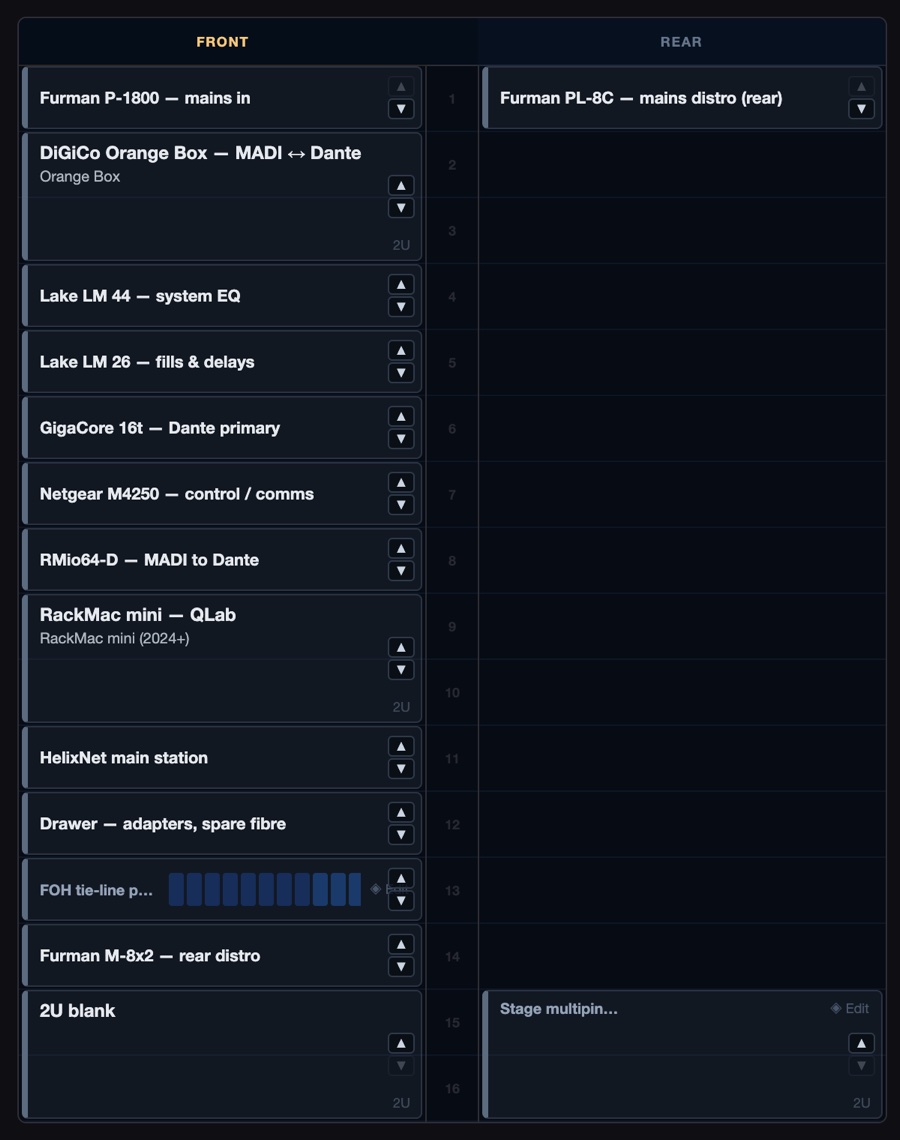
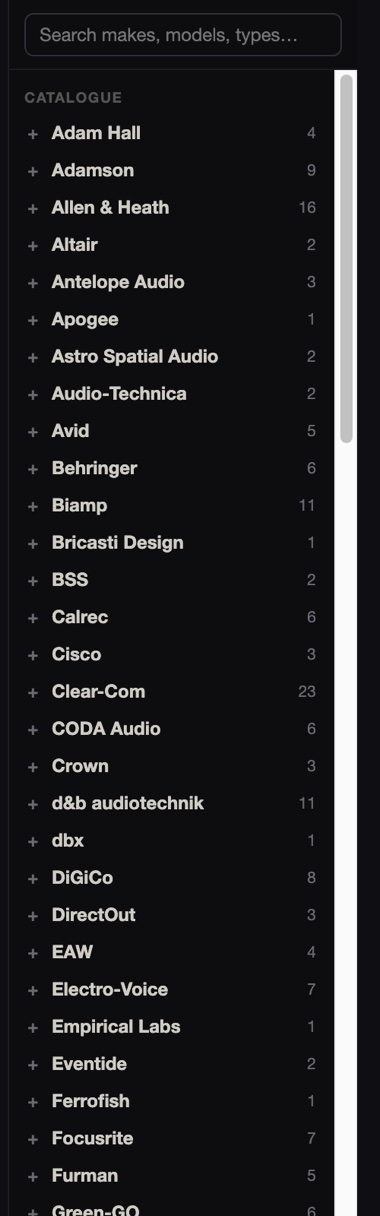
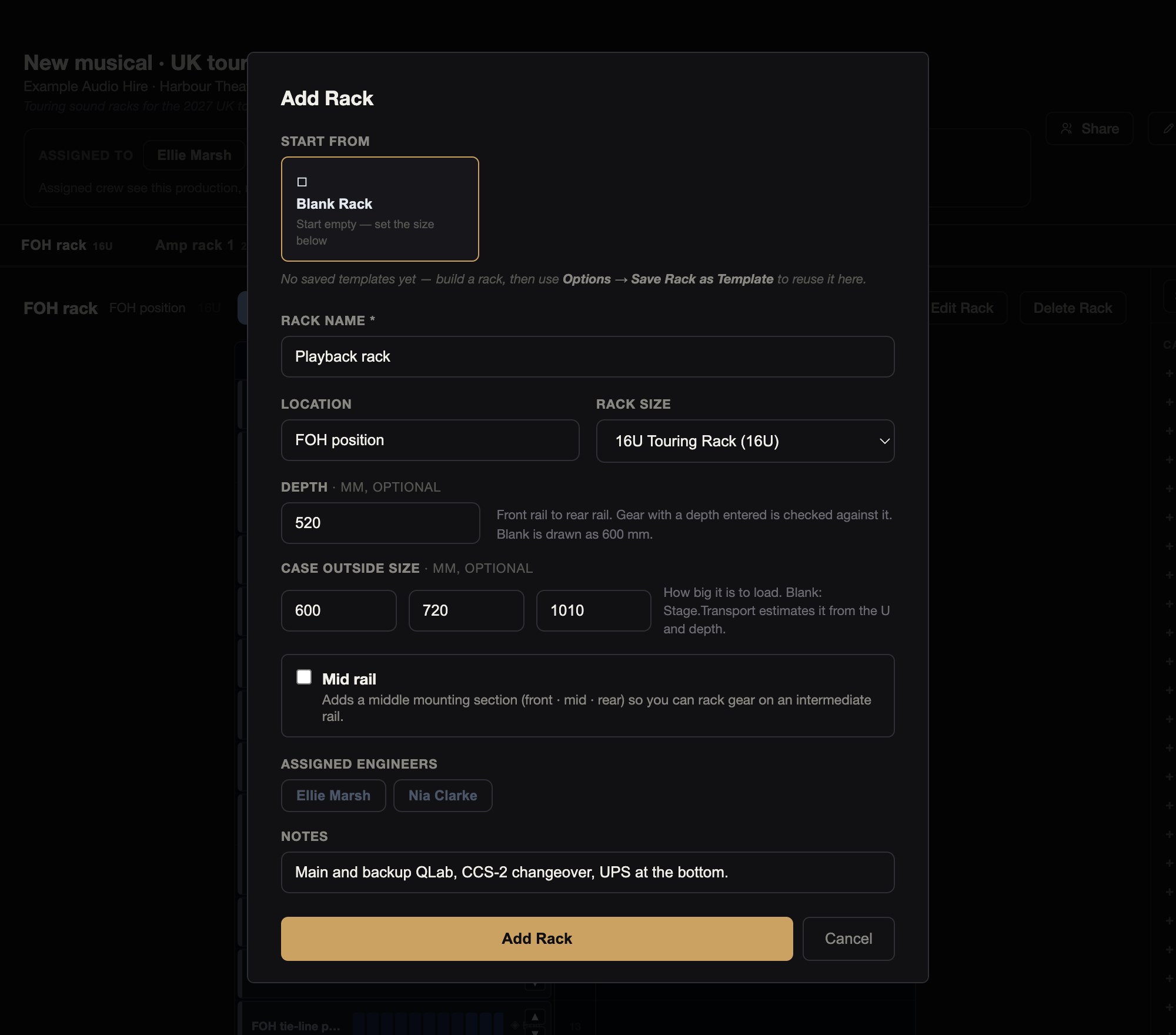
The catalogue has 440 rack devices from 72 makers. Each one has its U height and, for most, its chassis depth from the maker’s own datasheet. Search by make, model or type and drag a device onto a U, in the drawing or in 3D.
Gear you create yourself is kept in My devices for next time, with its depth if you give one. There are also generic blanks from 1U to 12U.
Racks come in 24 sizes, from a 2U sleeve to a 42U rack, or you can set any height up to 60U. Each rack has front and rear rails, an optional mid rail, its depth and its flight case’s outside size.
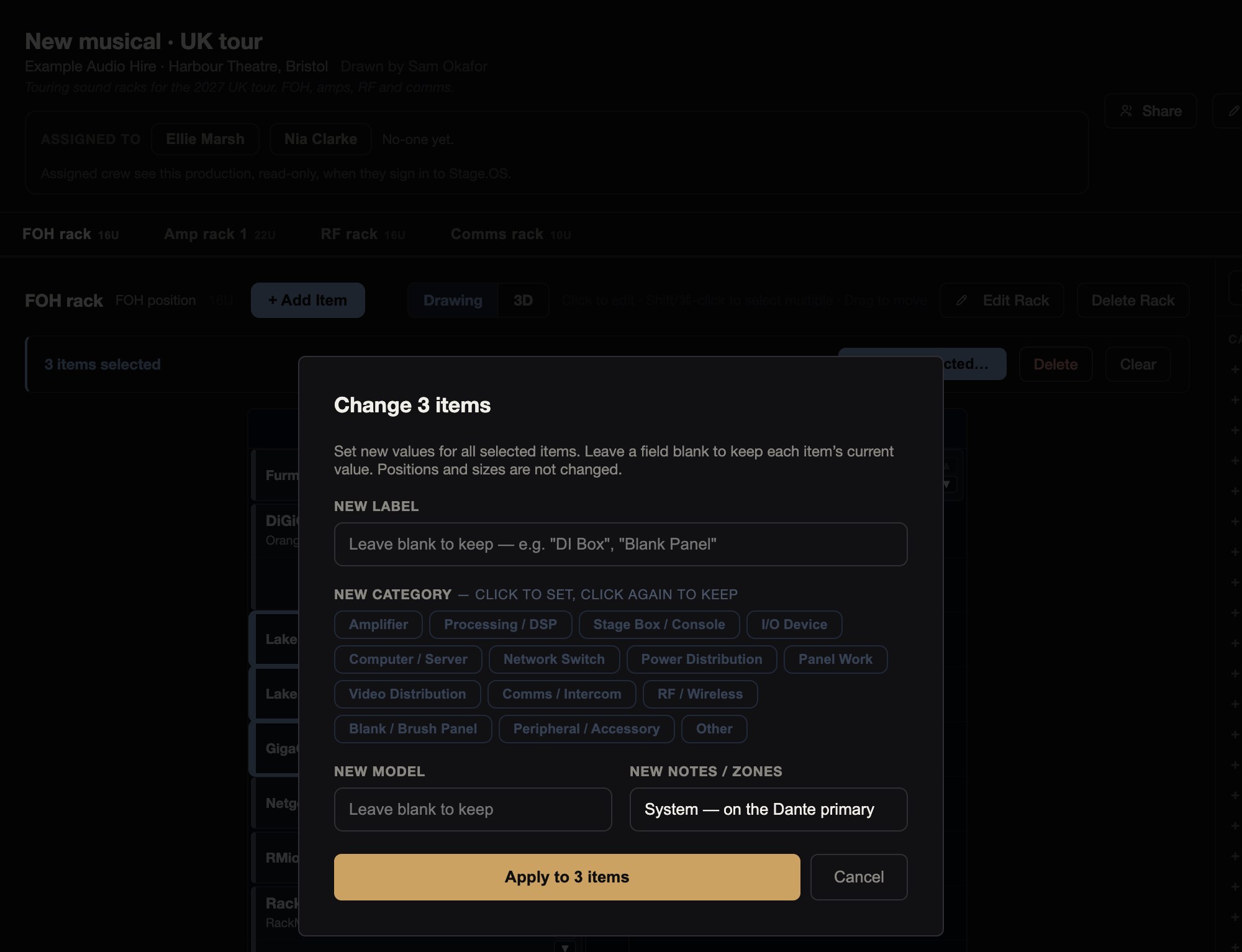
Click a free U to add something, drag to move it, and in the drawing you can nudge it a U at a time. You can select several items and change them together, and undo. A rack can be saved as a template to start the next one.
Depth checks
If a device is deeper than the rack, or gear on different rails would meet behind the panels, you get a warning, and the 3D view shows the parts that clash in red.
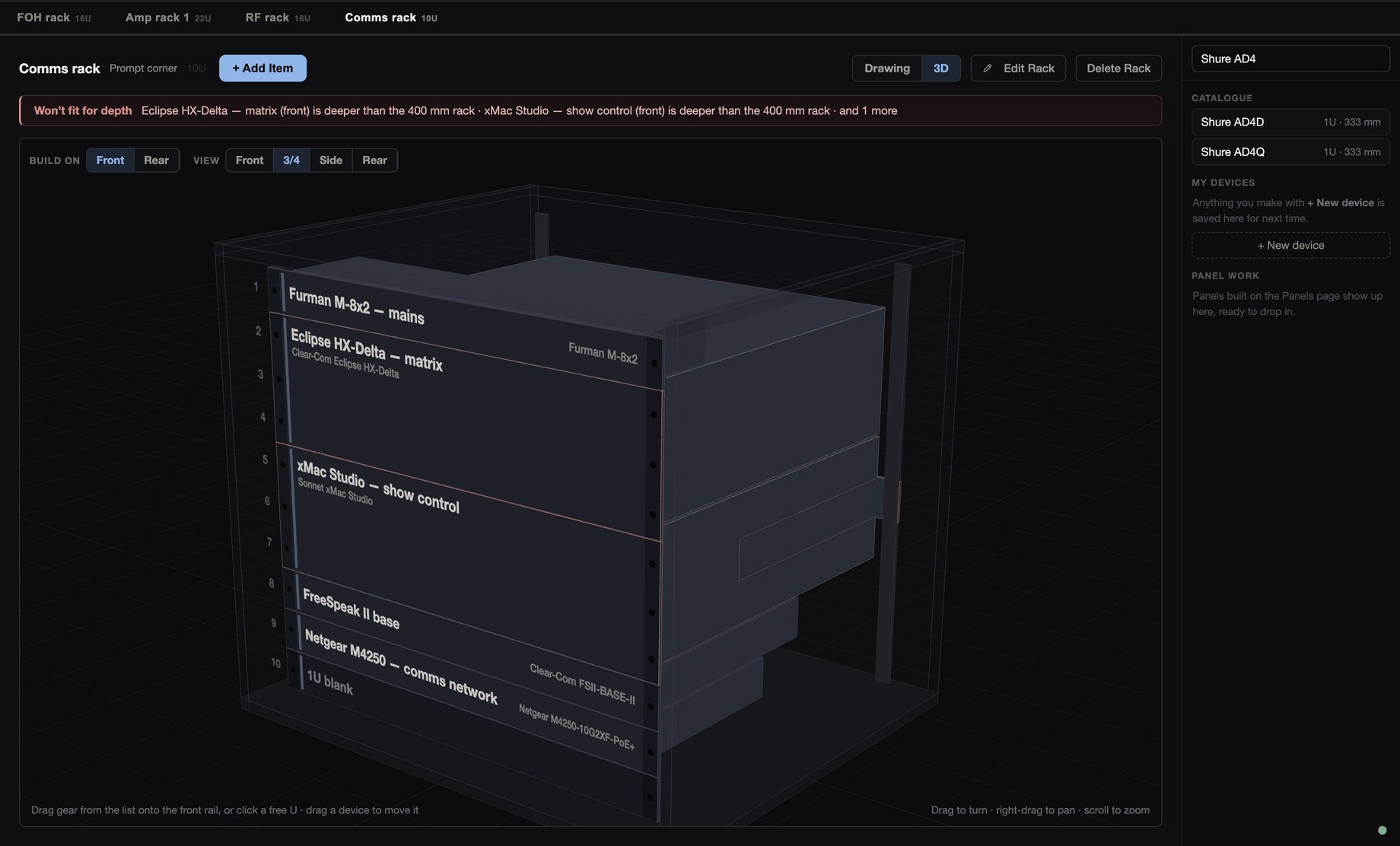
The check uses depths from the catalogue or ones you enter. A device without a depth is drawn at a typical size for its type, and never raises a warning.
02Panel Work
You design each panel next to the rack it goes in: every hole, what goes in it, and its label. Place a panel in a rack at its U and it shows up in the drawing, the 3D view and the paperwork.
02Panel Work
You design each panel next to the rack it goes in: every hole, what goes in it, and its label. Place a panel in a rack at its U and it shows up in the drawing, the 3D view and the paperwork.

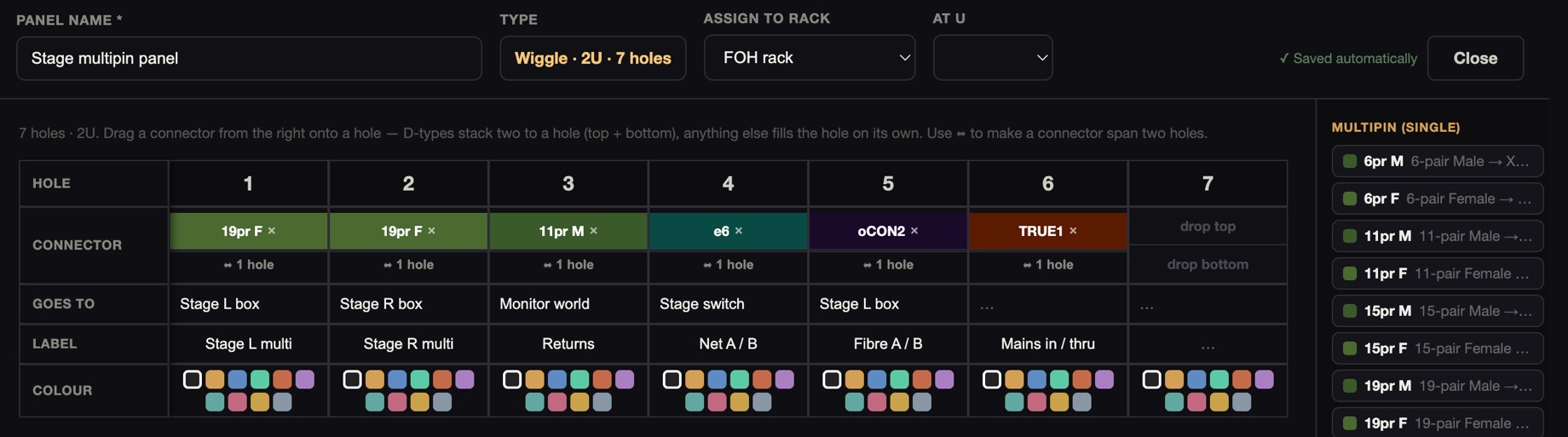
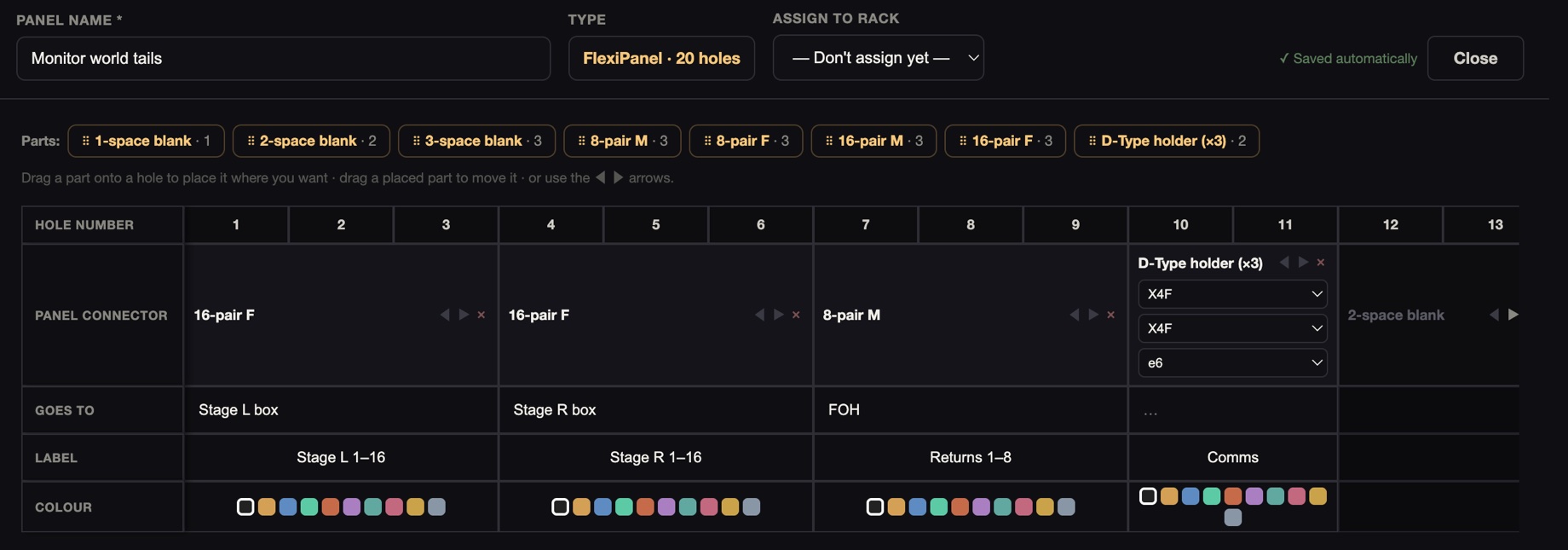
There are three kinds of panel: 1U D-type panels from 6 to 16 way, 20-hole FlexiPanels, and 2U Wiggle panels. You can choose from 33 Neutrik D-series connectors (plus blanks) and 8 Wiggle multipins, as well as any connectors you add to the production.
03Captive Looms
A captive loom lives in a rack and runs from it to another rack or out to a device. Every cable is listed in order and labelled, with notes on where the loom runs.
03Captive Looms
A captive loom lives in a rack and runs from it to another rack or out to a device. Every cable is listed in order and labelled, with notes on where the loom runs.
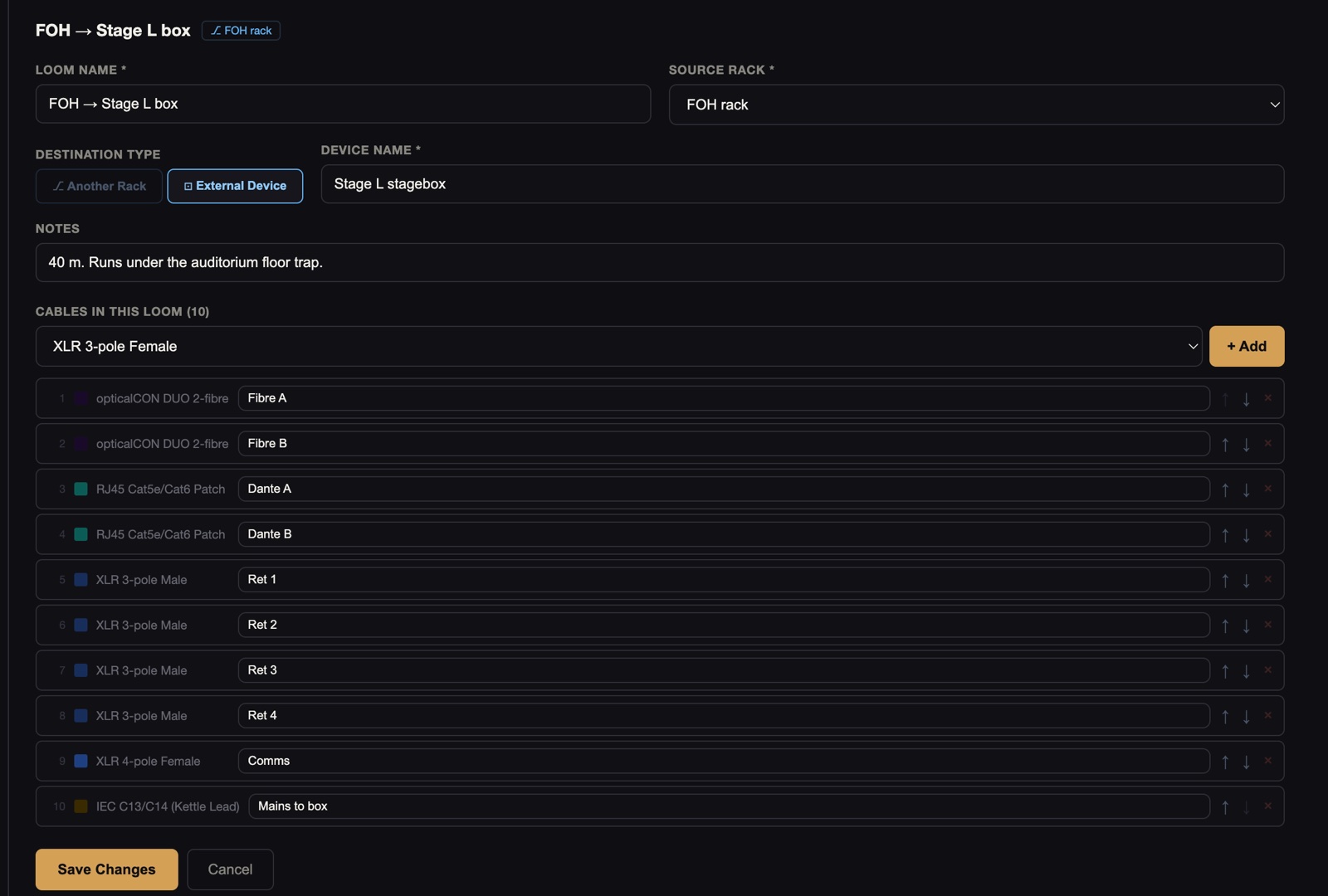
Looms can use 51 cable and connector types, from the D-series through mains, video, network, USB and DMX.
Paperwork and Prep Share
The workshop gets a PDF and the get-in crew get a page on their phones. Both show the same racks, panels and looms, from the same production.
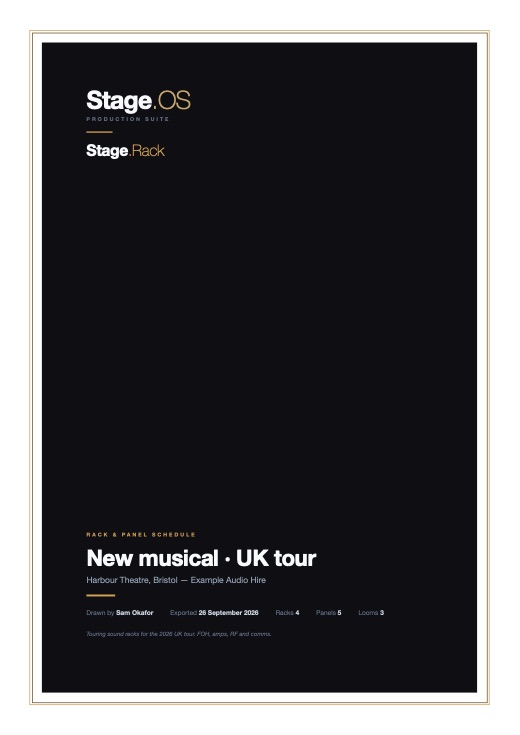 Rack & panel schedule
The cover names the production and says how many racks, panels and looms it holds.
PDF, 8 pages
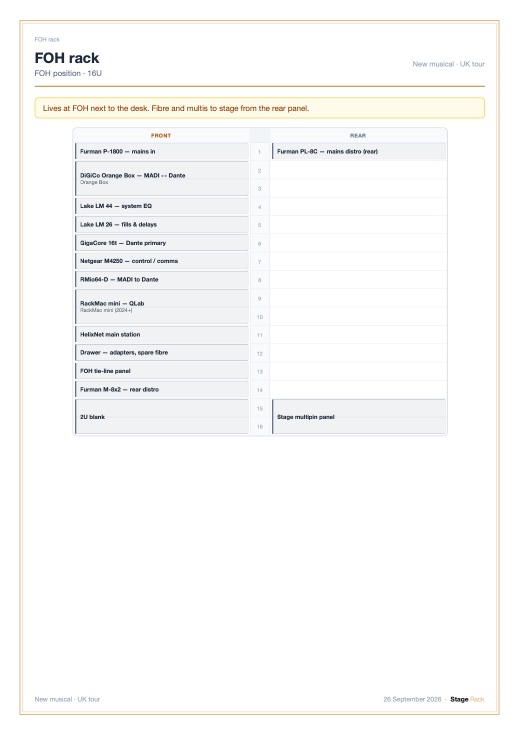 A page per rack
Each rack’s front and rear, with the schedule of its panels and looms.
PDF, 8 pages
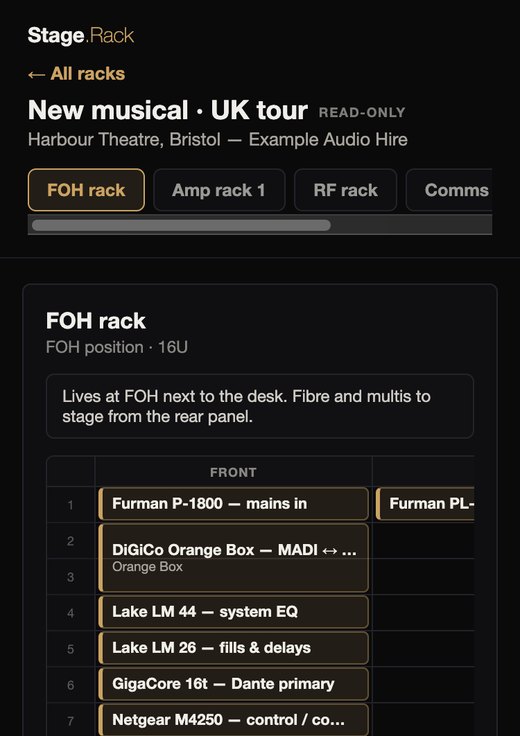 Prep Share
Every rack on everyone’s phone over the venue network. They go to one address and enter a PIN, or scan the QR code, and see each rack read-only on its own tab.
See Prep Share
PDF export is in the Mac app.
As well as keeping a production in your account, you can save it as a file and open it again later.
Working on it together
When the Mac app arrives, you’ll be able to assign crew who have accounts to a production, and they’ll see its racks read-only.
With the Cloud Production add-on, you can invite editors and viewers to co-edit a production’s racks live.
Stage.Transport loads your racks as flight cases at their case size, and lists what’s in each one for the carnet.