Stage.Tasks
On the web now. The Mac app is coming soon.To-do lists for a prep day or a day on site. You can share a list with your crew, or put it on everyone’s phone over Prep Share, and see who has ticked off what as they go.
The screenshots on this page come from the real app, filled with a made-up get-in list and made-up people.
Overview
A get-in list made from nothing, shared with the crew, and ticked off as the day goes, in just over a minute.
The list
Everything for the day goes in one list, in groups that follow the way the day runs.
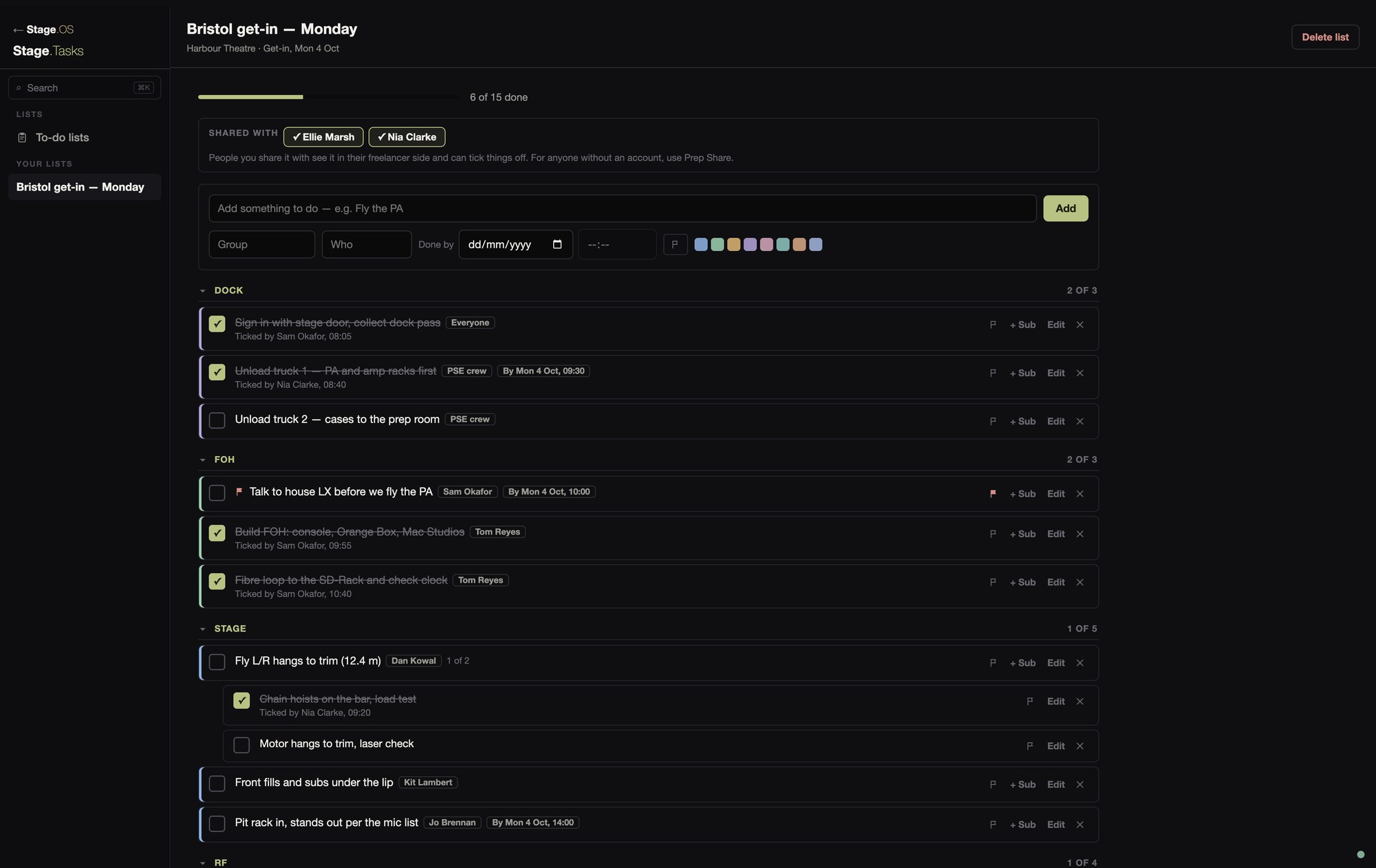
You can fold groups away, and each group shows how much of it is done. An item can be broken down into subtasks for the steps under it.
Anything with a deadline can have a done-by date and time. It turns amber on the day and red when it’s overdue. Flagged items go to the top of the list, and there are eight colours to tell things apart.
Beside each item you can put a name, a role or “Everyone”, so the room knows whose it is.
Sharing a list
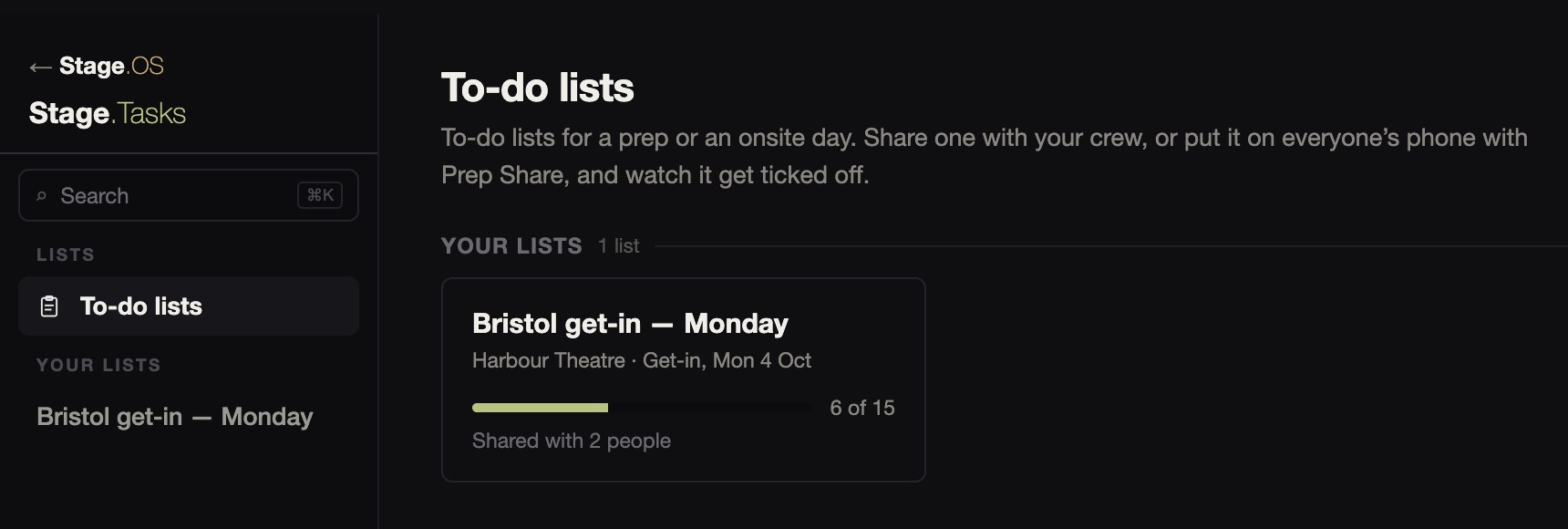
You can share a list with people on your roster who have Stage.OS accounts, or with organisations whose roster you’re on. It appears in their side of the app, and they don’t have to accept anything.
Ticks and changes show for everyone on the list as they happen. Each tick says who made it and when, like “Ticked by Nia Clarke, 08:40”, and the names come from each person’s own profile.
The crew’s side
A list shared with you appears in your own side of Stage.OS, on a laptop or a phone.
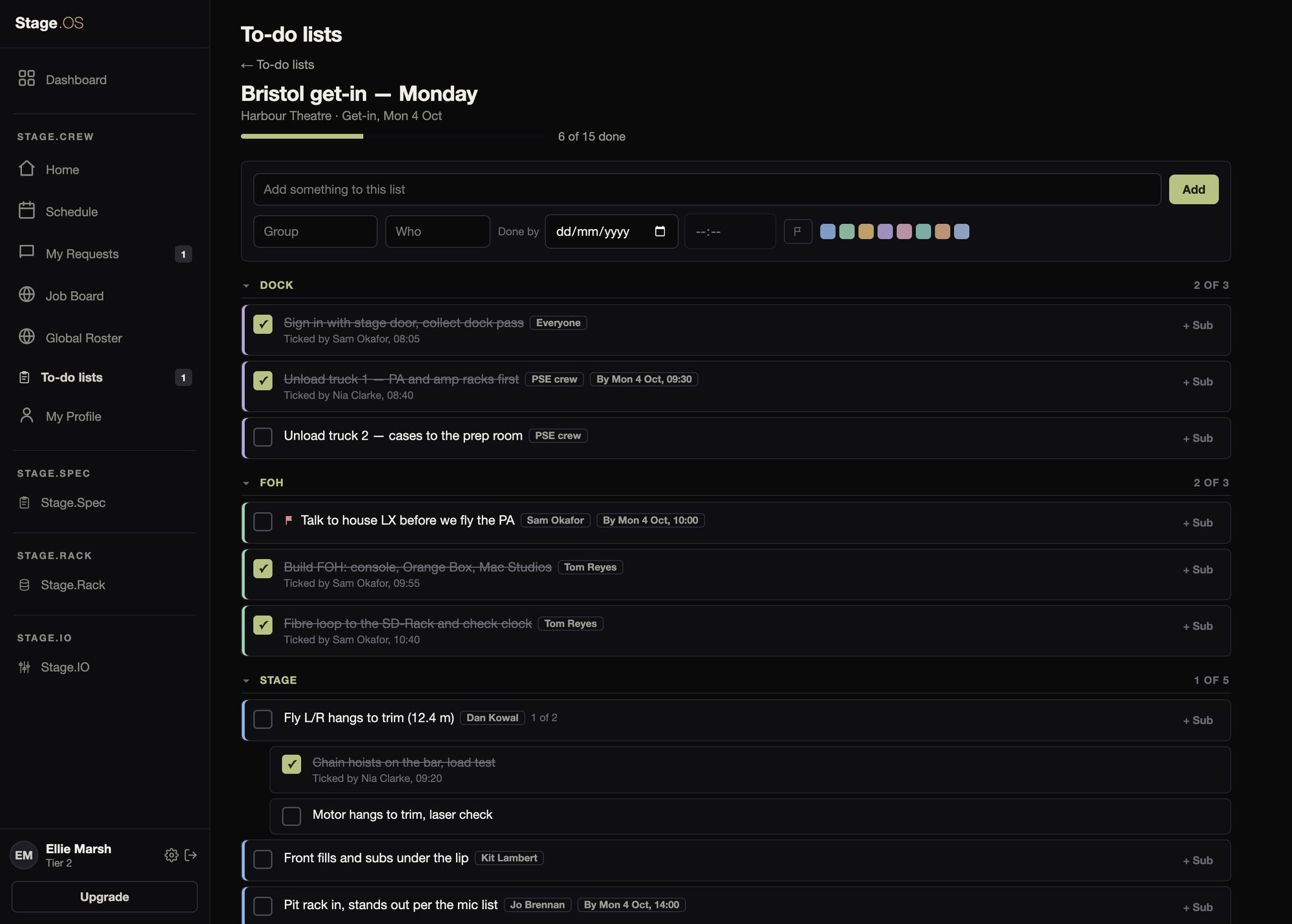
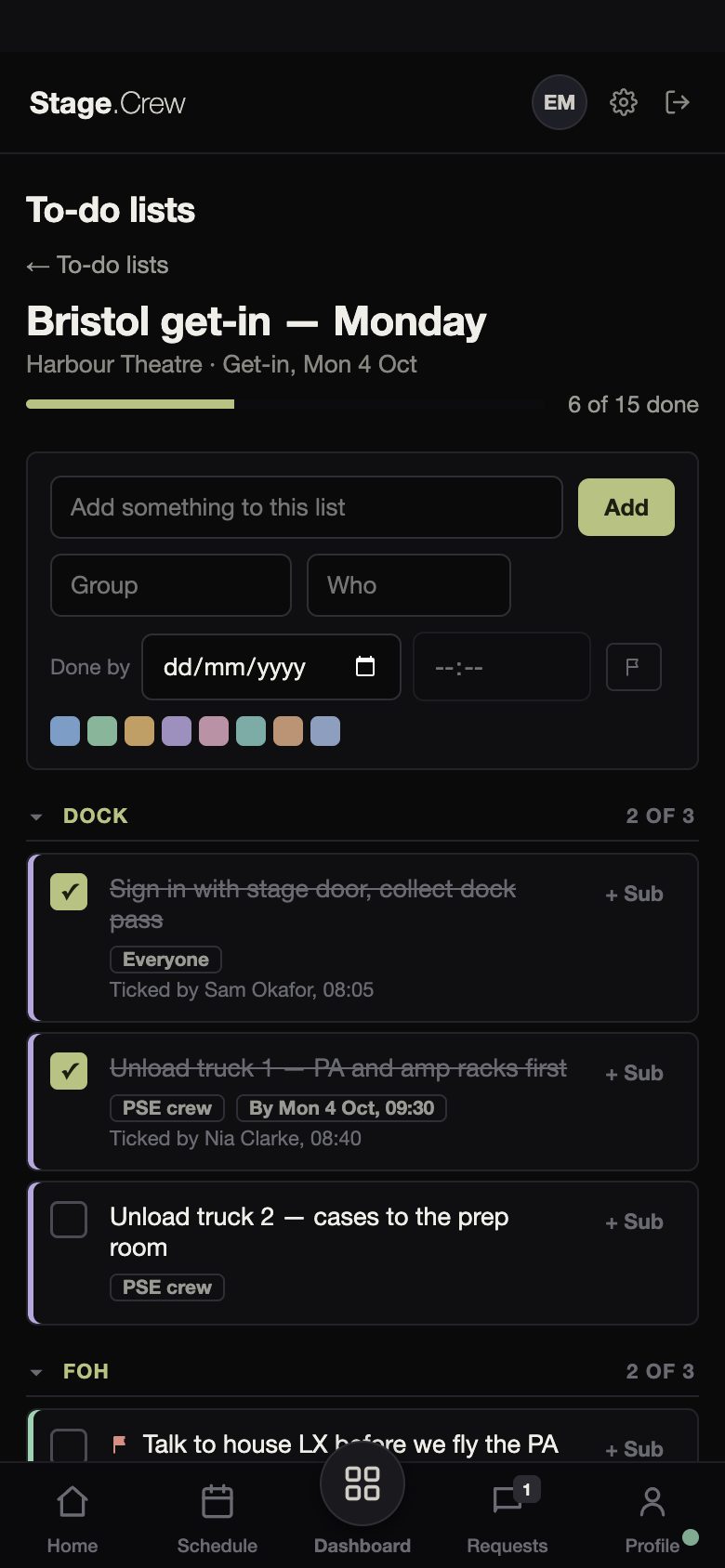
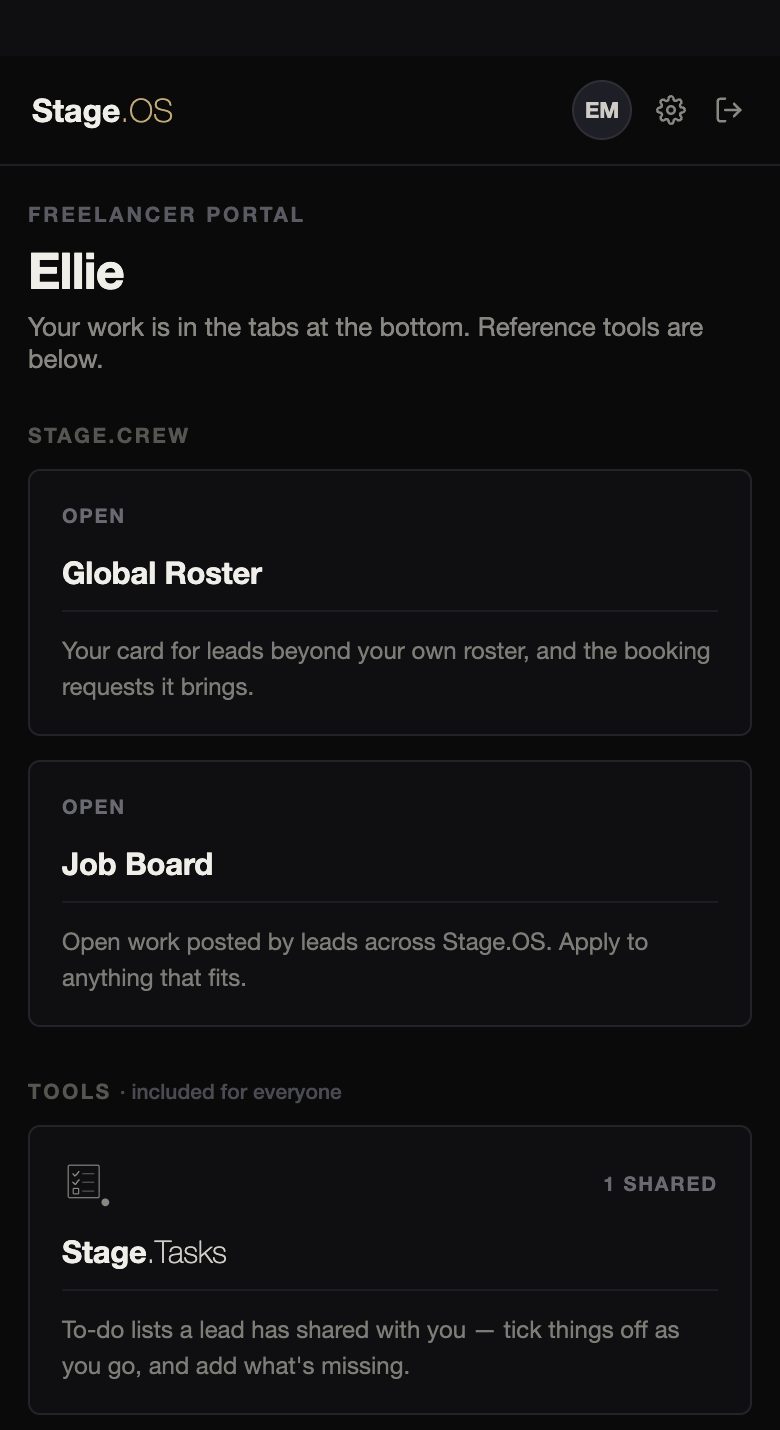
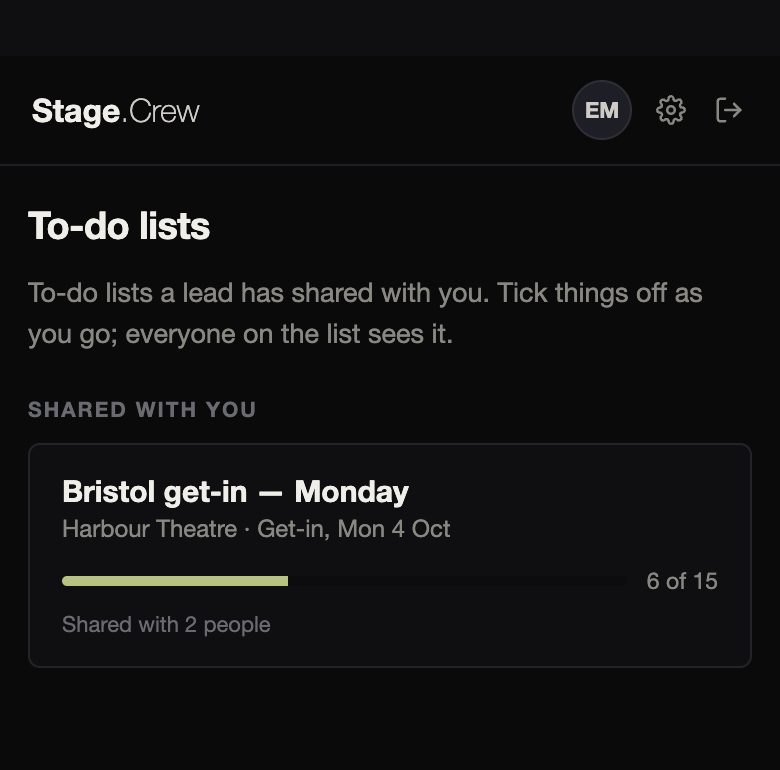
Organisations make the lists, and crew work through them. Crew can tick items off and add anything that’s missing, including subtasks, and whatever they add shows who added it. They can remove what they added, but the rest of the list stays as the organisation wrote it.
Crew can open their shared lists at app.stageos.uk today. On a phone they’re reached from the Dashboard, where the Stage.Tasks card shows how many lists are shared with them.
In the prep room
Put a list on Prep Share and anyone on the venue network with the PIN can tick it off from their phone, under their own name, without an account. Their ticks appear on your list with their name and the time, alongside everyone else’s.
Stage.Tasks is free, and comes with every account.